By Kislay, creator of Recordful. Last updated November 15, 2026.
Short answer: Loom asks you to sign up or log in before you record. Recordful doesn't: install the free Chrome extension, click the icon and record. You can record, edit and export MP4 or WebM up to 4K with no account, no email and no time limit, and the video stays on your computer.
Does Loom need an account to record?
Yes. Loom's own pages say so, checked November 15, 2026:
- Loom's help article Install the Chrome Extension says to "complete your installation by signing up (if you are new to Loom) or logging into your account."
- Loom's screen recorder page lists the first step as "Sign in to your Loom account, or sign up to use the free screen recorder", and says the finished file "will automatically upload to your Loom account."
So with Loom, the account comes first and the recording lives in it.
Why record without an account?
People search for a no-sign-up screen recorder for simple reasons:
- One quick video. You need to show a bug or explain a form once, and don't want another login, password and marketing email for that.
- Work or school rules. Many companies and schools don't allow signing up for new cloud services with a work email without approval. A recorder that saves to your own computer is easier to use.
- Private screens. If the screen shows customer data or anything internal, you may not want it uploaded anywhere by default.
- Shared or borrowed computers. No account means nothing to sign out of when you're done.
What can you do in Recordful with no account?
Everything you need to make and save a finished video:
| Step | Free, no account |
|---|---|
| Record | A tab, an area, a window, the whole screen, or just your camera |
| Length | No time limit |
| Number of recordings | No cap |
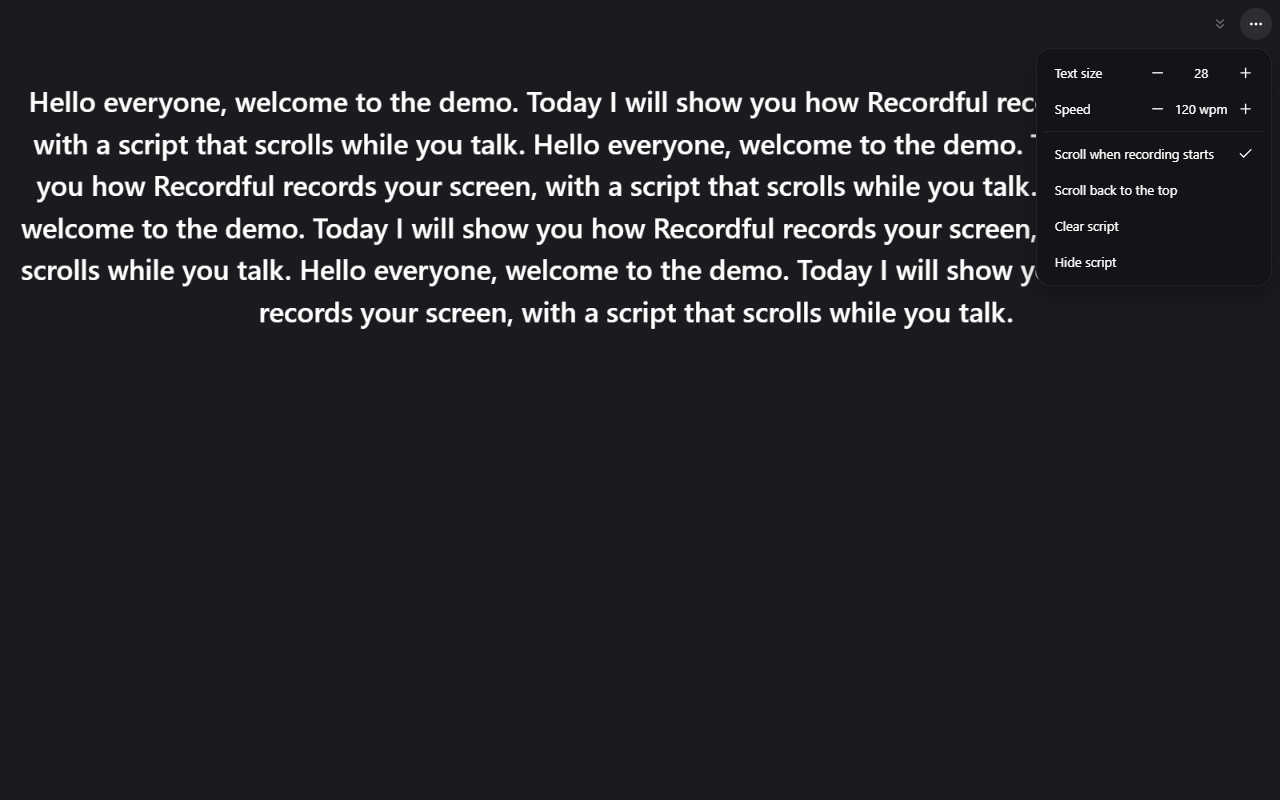
| While recording | Drawing and annotation, blur, teleprompter |
| Edit | Trim, cut, speed, auto-zoom on clicks, manual zooms, click effects, backgrounds, camera layouts, watermark, extra clips, voiceover |
| Export | MP4 or WebM up to 4K, or GIF |
| Where it's saved | On your computer |
It works in Chrome, Edge and Brave (Chrome 110 or newer) on Windows, macOS, ChromeOS and Linux. There is also a free desktop app for macOS, Windows and Linux that records the screen and takes screenshots, also with no account.
Loom vs Recordful: what needs an account?
From Loom's pricing page, screen recorder page and help center on November 15, 2026:
| Loom Starter (free) | Recordful Free | |
|---|---|---|
| Account to record | Yes, sign up or log in | No |
| Email address | Needed for the account | Not asked |
| Where the video goes | Uploads to your Loom account | Saved on your computer |
| Length per recording | 5 minutes | No limit |
| Videos | 25 per person | No limit |
| Quality | Up to 720p | Up to 4K export |
| Download your video | Listed on Business plans | Always, it's a local file |
How to record your screen without signing up
- Install Recordful from the Chrome Web Store.
- Click the Recordful icon in the toolbar. There is no sign-in screen.
- Pick what to record: a tab, an area, a window, the whole screen or your camera. Turn the mic and camera on or off.
- Click record. Use the drawing tools, blur or teleprompter if you need them.
- Stop. The editor opens with your recording.
- Trim, cut or zoom if you want, then click Publish → Download locally.
- Choose MP4 or WebM and a resolution up to 4K. The video renders on your computer and saves to your downloads.
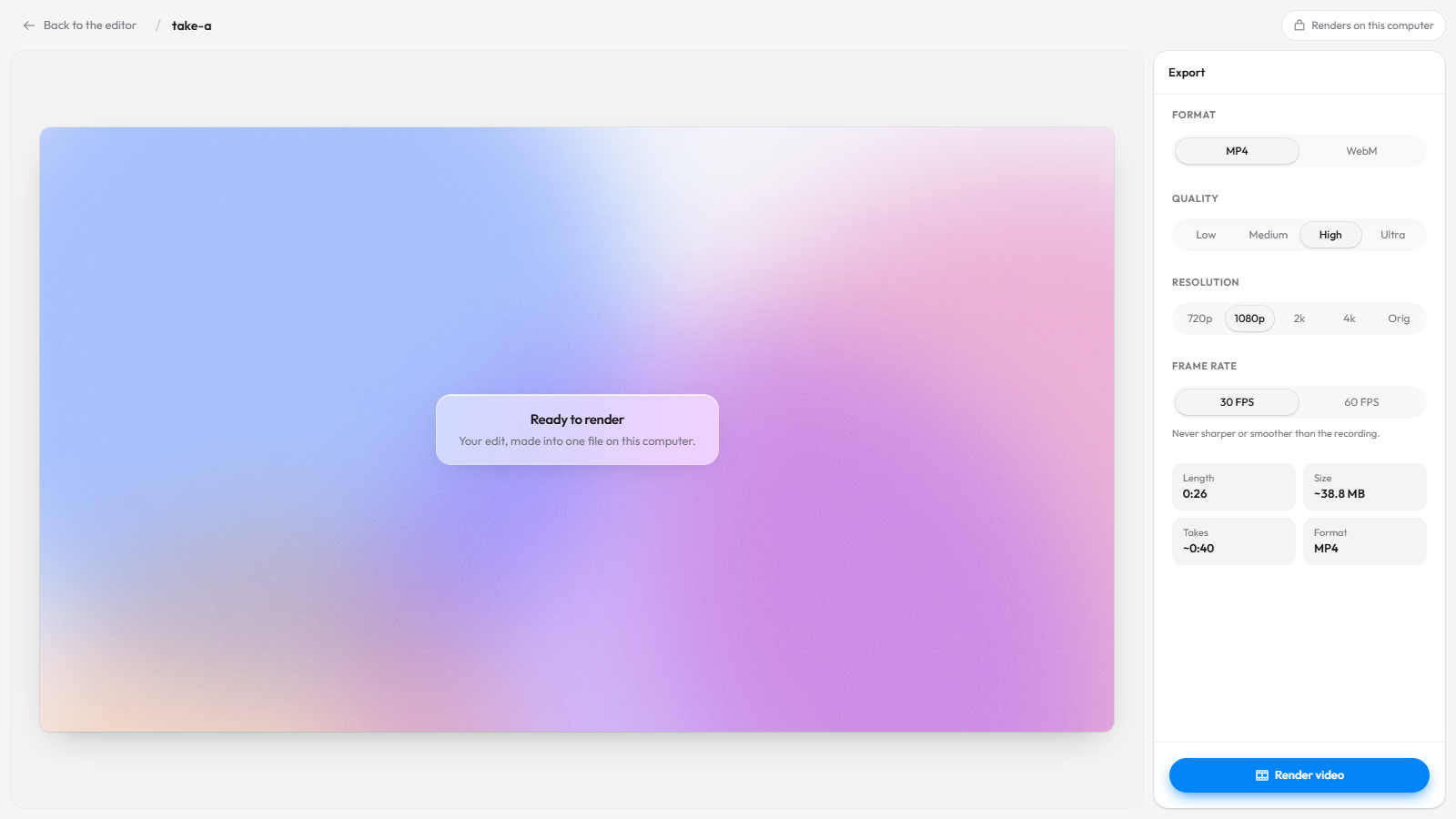
Then send the file however you already share files: email, Slack, Google Drive, a ticket or a pull request. For short clips, export a GIF.
When would I make an account?
Only if you want a share link. Recording, editing and exporting never need one.
Recordful Pro adds Loom-style links: a watch page with a clickable transcript, captions, comments, an AI summary and chapters, plus Instant Mode, which uploads while you record and copies the link when you stop. It's $19 a month, or $108 a year ($9 a month), with a 14-day free trial, and one price covers your whole workspace, with no per-seat pricing. People you send a link to watch in the browser without an account. See how to share a screen recording with a link.
Frequently asked questions
Is there a screen recorder like Loom that doesn't need an account? Yes. Recordful records your screen, camera and mic in Chrome or its desktop app with no account, and you can edit and export the video for free.
Do I need to give an email to use Recordful? No. You only sign in if you choose Recordful Pro for share links and cloud storage.
Can I use Loom without an account? Loom's help center says to complete installation by signing up or logging into your account, and its screen recorder page says to sign in or sign up to use the free recorder (checked November 15, 2026).
Is there a time limit without an account? No. Recordful has no time limit and no cap on the number of recordings you save to your computer. See Loom alternative with no time limit.
Where does my video go if I don't have an account? It stays on your computer. Nothing is uploaded. Recordful's extension is open source under GPLv3, so you can check the code: see open source Loom alternative.
Can I record on a Chromebook or Linux without signing up? Yes, the Chrome extension works on ChromeOS and Linux. See Loom alternative for Chromebook and Loom alternative for Linux.
Can my viewers watch without an account? If you send the exported file, they just open it. If you use a Recordful Pro share link, they watch in the browser without an account.
More reading: Recordful vs Loom, free 4K Loom alternative, Loom pricing for teams and how to record a product demo video. Features: Screen Recorder, Editor, Studio Cut, Screenshots.