By Kislay, creator of Recordful. Last updated November 13, 2026.
Short answer: Turn on Instant Mode in the Recordful Chrome extension, record a tab, a window or your screen, and press stop. The recording uploads while you record, so when you stop the watch page opens and the share link is already on your clipboard. Paste it into Slack, Linear or email. Viewers watch in their browser without an account. Instant Mode is part of Recordful Pro.
Why "instant" matters
The slow part of sharing a screen recording isn't the recording. It's what comes after: wait for the file, find it, upload it somewhere, wait again, copy a link, check who can see it. For a 40-second bug report that is more work than the bug.
Instant Mode removes all of it. Upload happens during the recording, so by the time you stop, most of the video is already in the cloud.
Step 1: Turn on Instant Mode
Install Recordful and sign in to Pro. Open the Recordful popup, choose a tab, a screen or a window, and switch on Instant recording mode.
Step 2: Record
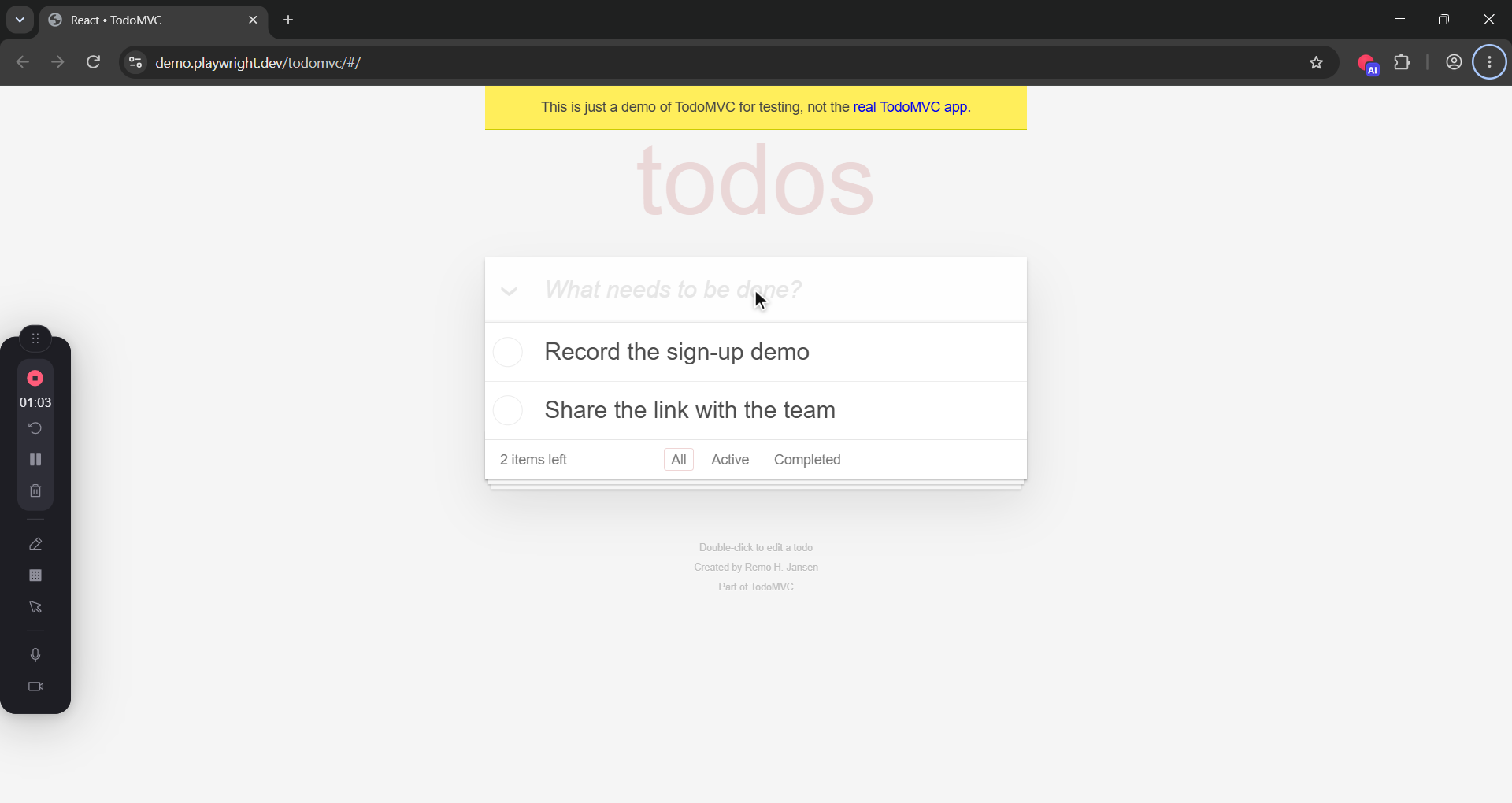
Talk, click and show the thing. The upload runs in the background while you record. Each Instant Mode recording can run up to an hour.
Step 3: Stop, and paste
Press stop. The watch page opens and the link is on your clipboard. That's the whole flow: record, stop, paste.
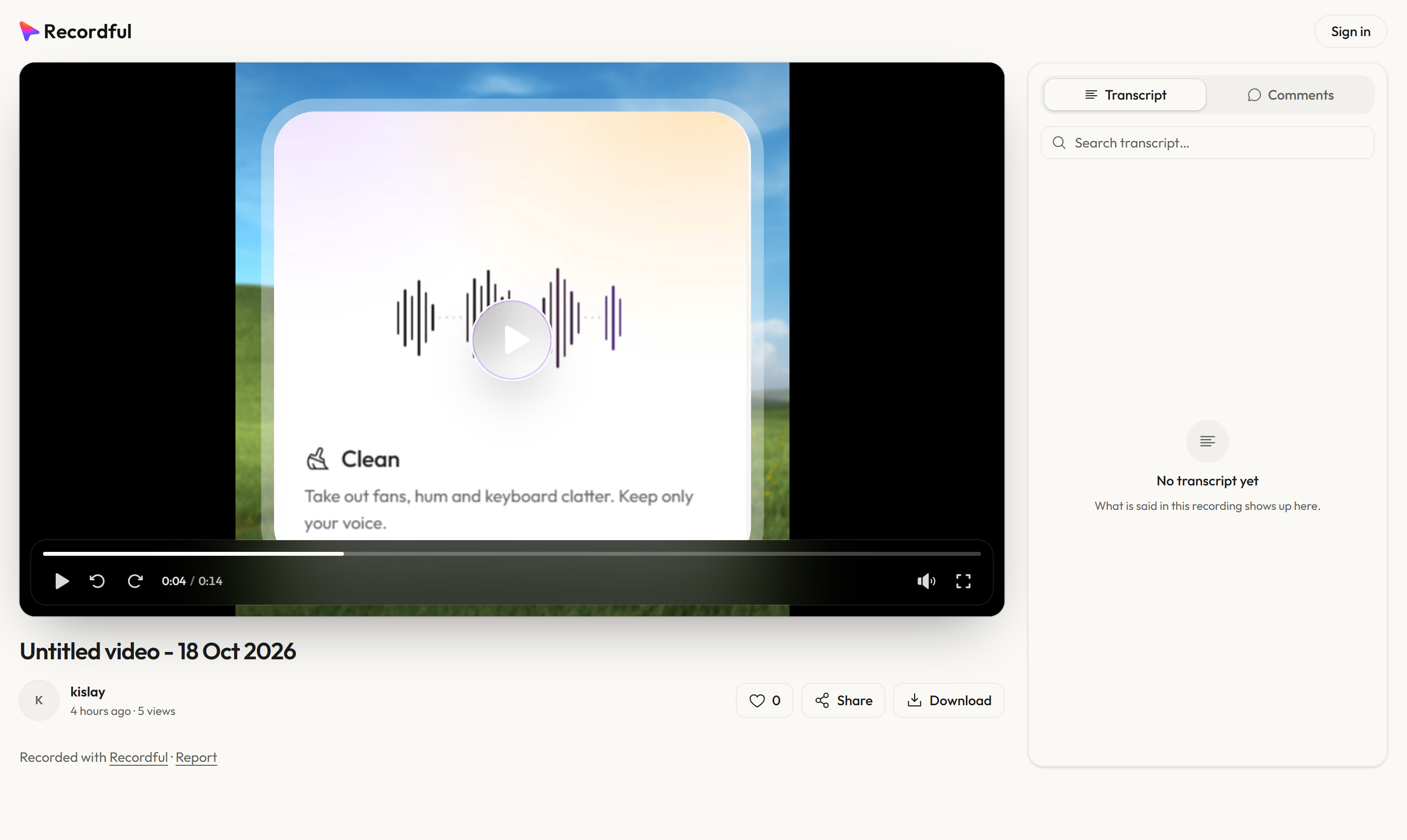
What the viewer gets
- A player in the browser. No app, no account. Space or K plays, J and L skip ten seconds, F goes full screen.
- A transcript they can click. Every line has its time. Click one to jump there, or search for a word.
- Captions generated from the transcript.
- Likes and comments, for viewers who sign in.
- Download, if they need the file.
You see the view count under the title. Opening the page again or refreshing doesn't count twice.
Who can watch
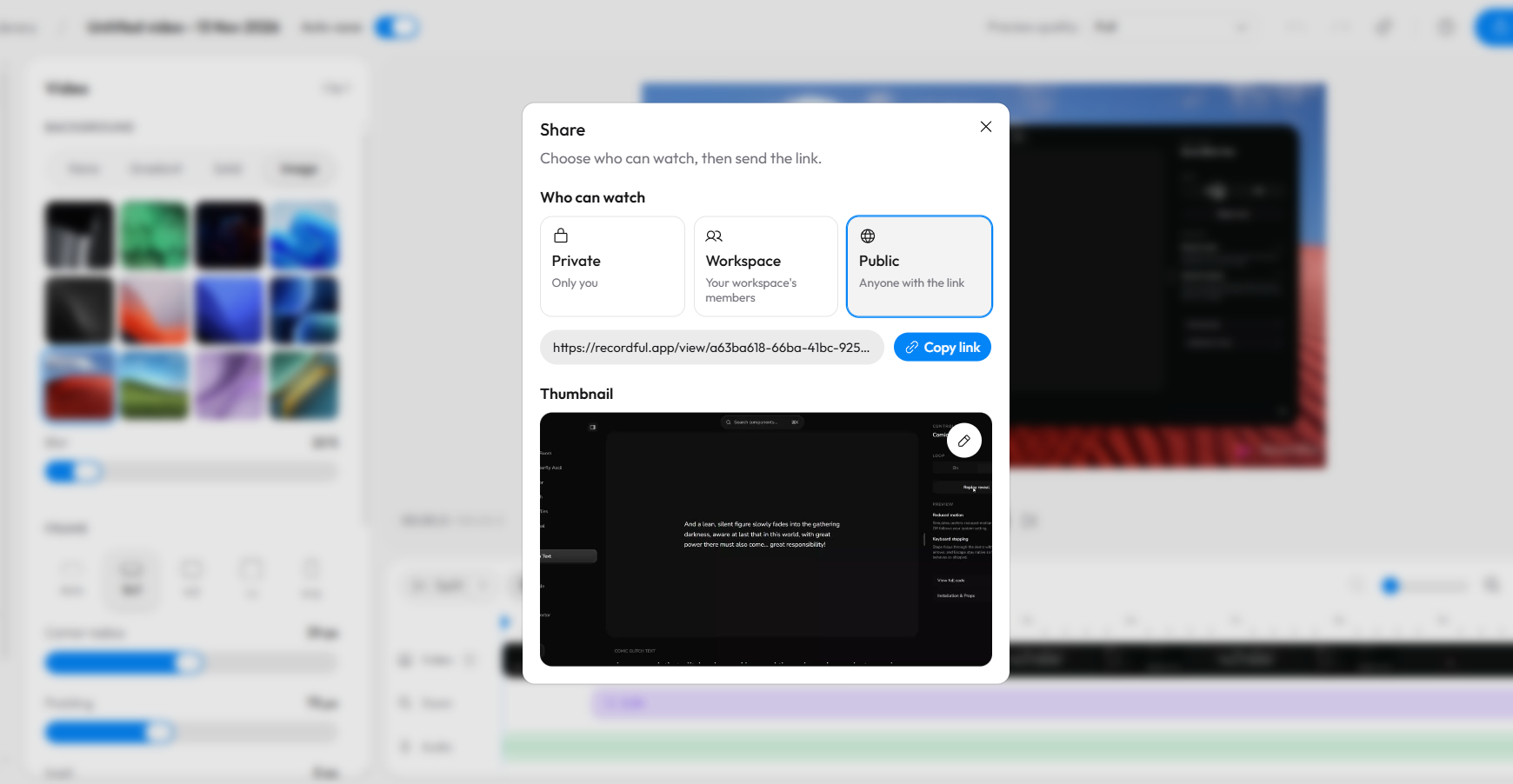
Every recording is private, workspace or public, and you can change it any time, even after you've sent the link.
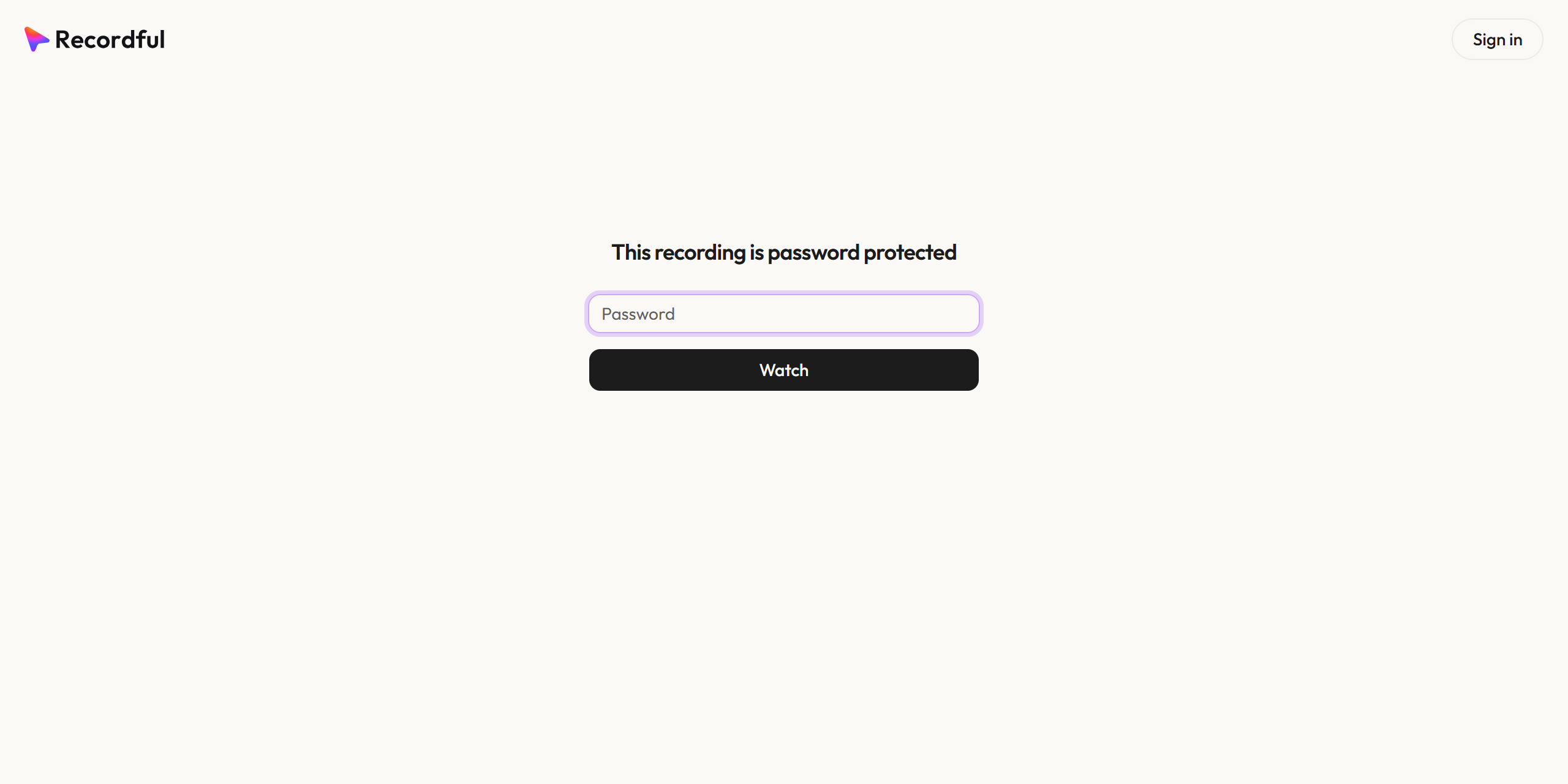
To lock a link down further, open the recording's title menu and choose Password and expiry:
- Password. People outside your workspace type it once per browser before the video, comments and likes appear. Change it to lock everyone out again.
- Expiry date. After it, the page says the link has expired.
Your teammates are never locked out.
Need to edit first? Use Studio mode
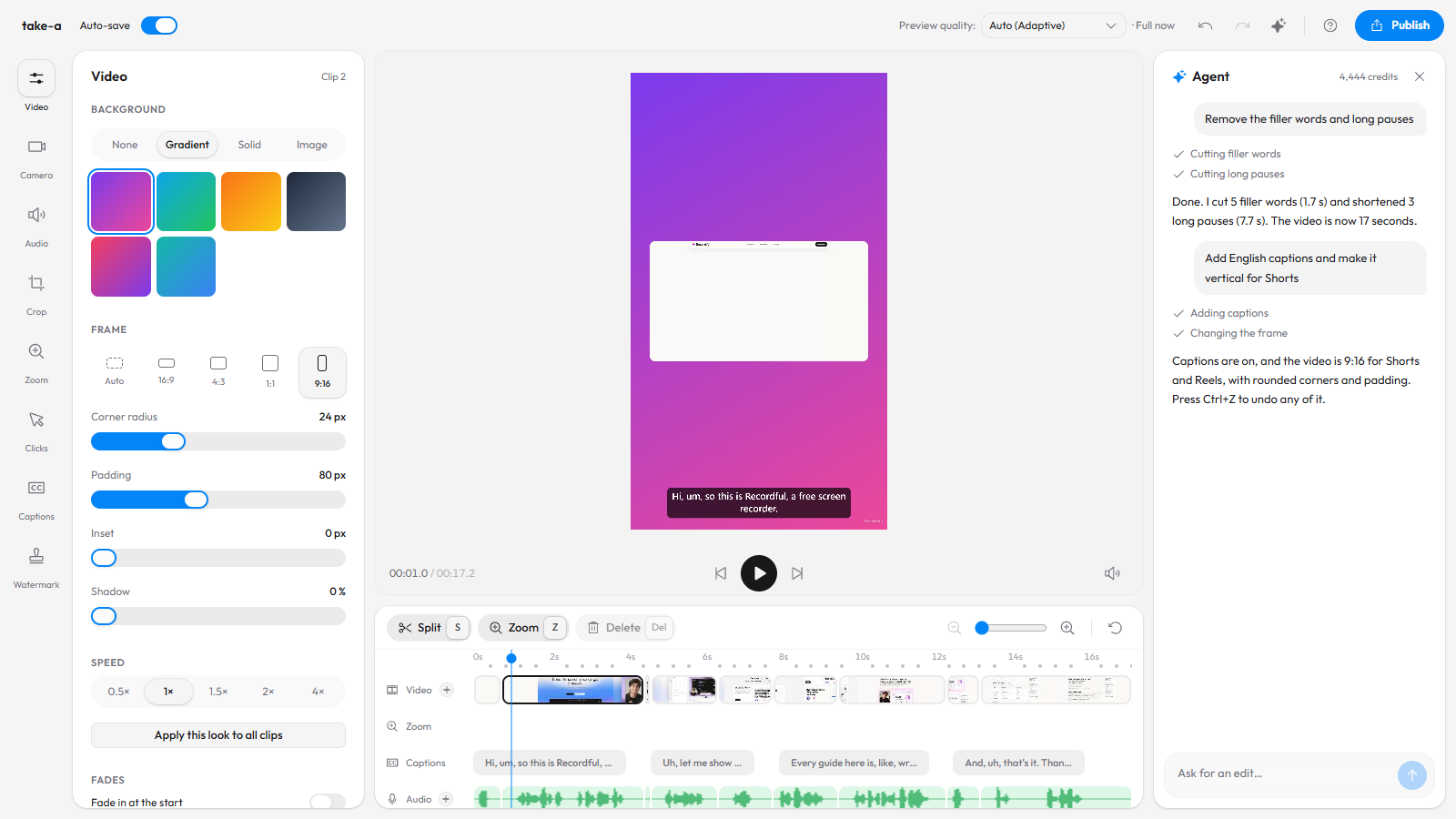
Instant Mode skips the editor on purpose. When the video needs a production pass (zooms, a cleaner voice, captions burned in, a watermark), record normally instead. The editor opens when you stop. When it's ready, click Publish → Share as link and you get the same watch page.
| Instant Mode | Record, edit, then share | |
|---|---|---|
| Best for | Bug reports, quick updates, client check-ins, code reviews | Tutorials, demos, launch videos |
| Time to link | Seconds after you stop | After you finish editing |
| Editor | Skipped (edit later if needed) | Full editor |
| Plan | Pro | Recording and editing free; link needs Pro |
How it compares
| Recordful Instant Mode | Loom | Upload a file to Google Drive | |
|---|---|---|---|
| Link when you stop | Yes, copied to clipboard | Yes | No, upload first |
| Length | Up to 1 hour per recording | 5 minutes on the free plan | Any |
| Transcript on the page | Yes | Yes | No |
| Password and expiry | Yes | Paid plans | No password; access by Google account |
| Price | $19/mo or $108/yr per workspace | Free with limits, then $18 per user a month | Free with Google storage |
See the free Loom alternative for the full comparison.
Frequently asked questions
How do I share a screen recording as a link? In Recordful, turn on Instant Mode and record. When you stop, the watch page opens and the share link is copied to your clipboard.
Do viewers need an account? No. Anyone with a public link can watch in a browser. Signing in is only needed to like or comment.
Can I password-protect a screen recording link? Yes. Open the recording's title menu, choose Password and expiry, and set a password, an end date or both.
Can I edit an Instant Mode recording later? Yes. Open it in the editor to trim it, add captions or make other changes.
Can I change who sees it after sharing? Yes. Switch between private, workspace and public at any time, even after you've sent the link.
How much does it cost? Instant Mode is part of Recordful Pro, at $19 a month or $108 a year with a 14-day free trial. One plan covers your workspace.
See Instant Mode for more.