By Kislay, creator of Recordful. Last updated November 13, 2026.
Short answer: Install the free Recordful Chrome extension, turn on AI agents, and add the recordful-mcp server to Claude Code, Cursor or Codex. Click the Recordful icon on the tab you want recorded, then ask your AI to record the demo. It opens the page, clicks and types like a person while Recordful records, and opens the video in the editor when it stops.
You need Chrome, Node.js 20.10 or newer, and about five minutes. Every screenshot below was taken by an AI agent through Recordful's MCP.
Step 1: Install the Recordful extension
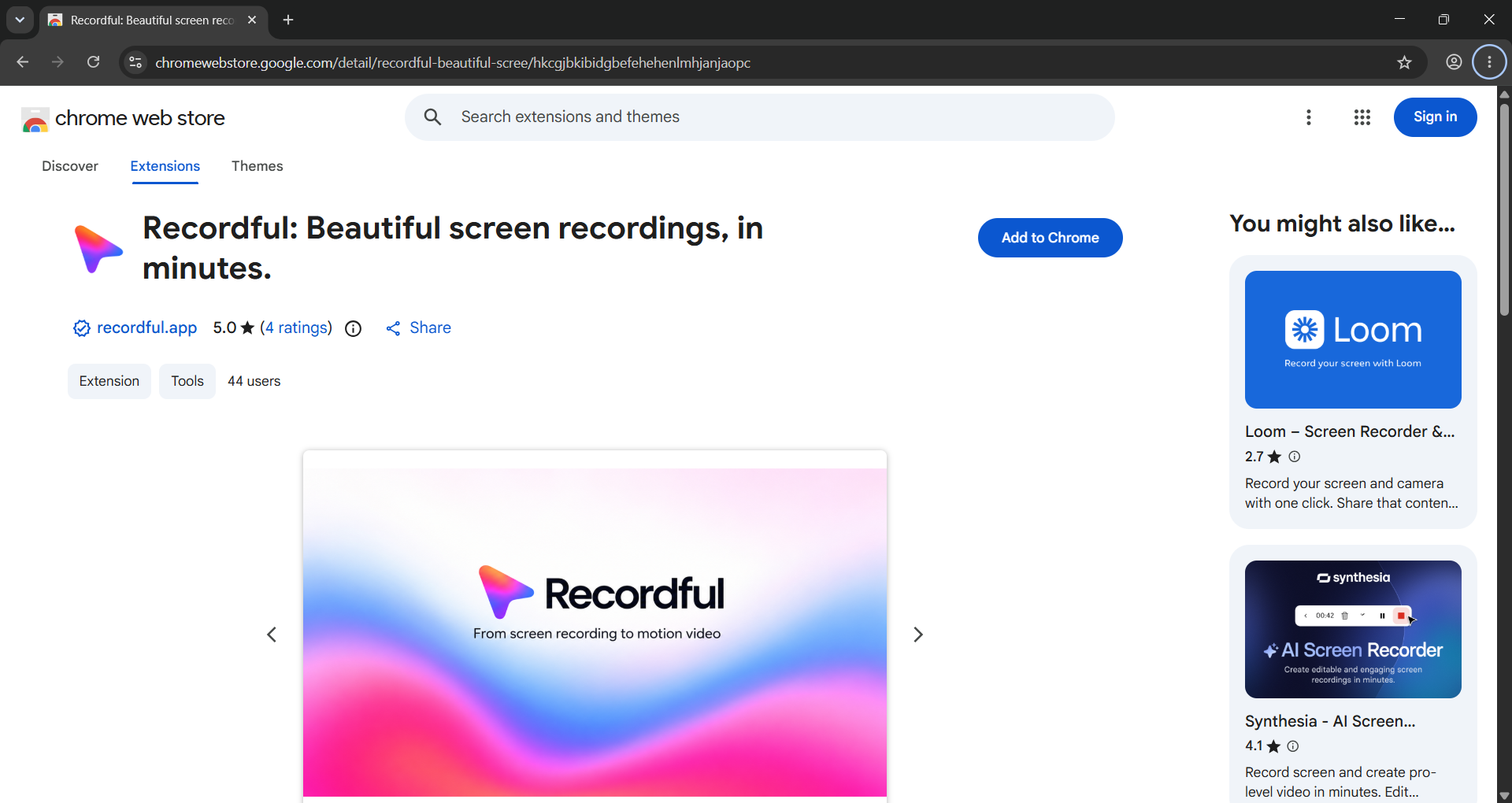
Add Recordful from the Chrome Web Store. It's free, and you don't need an account to record.
Step 2: Turn on AI agents
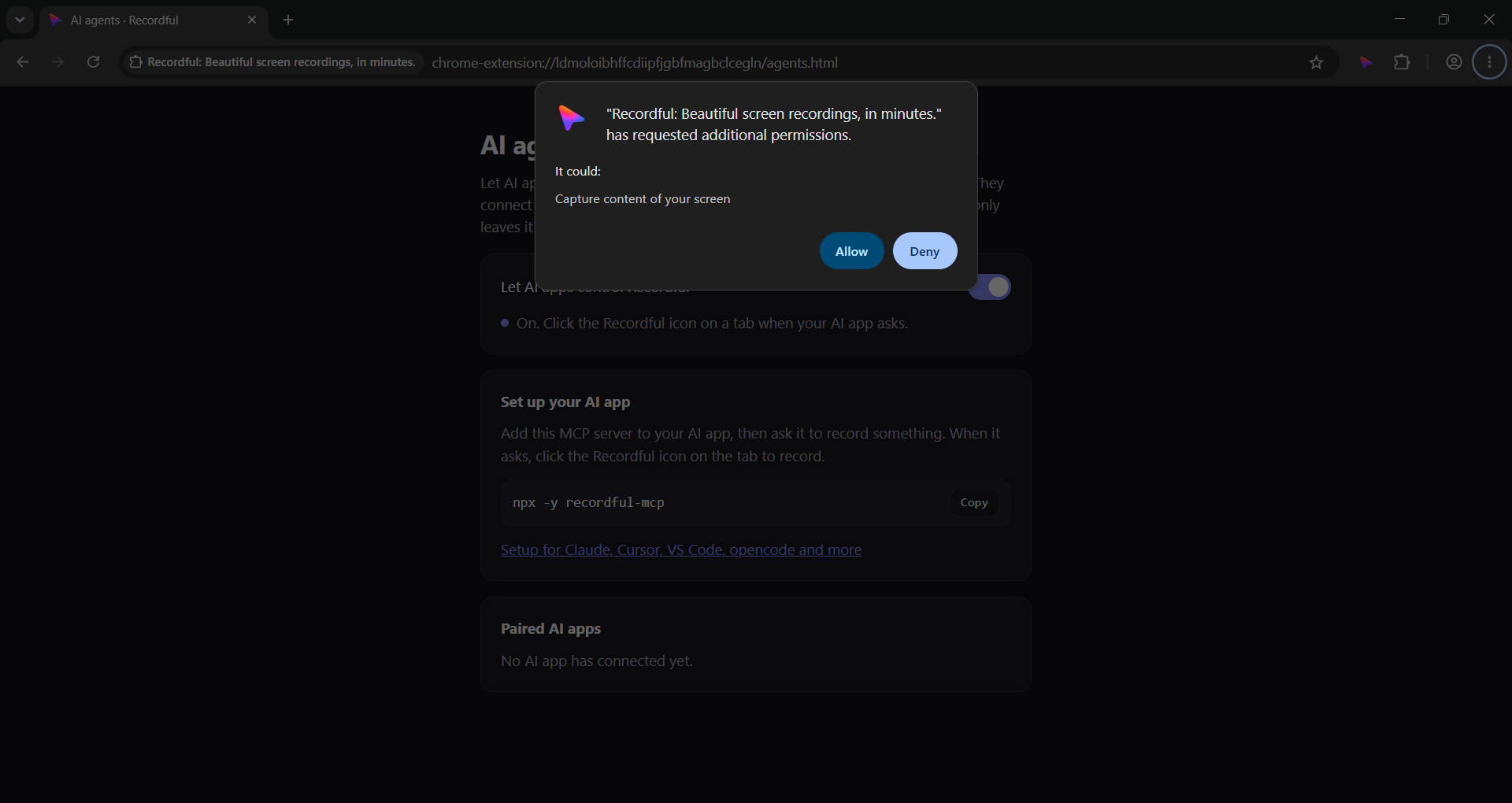
Open the Recordful popup, then More → AI agents, and switch on Let AI apps control Recordful. Chrome then asks to let Recordful capture your screen. Click Allow.
This is off by default. It only has to be done once.
Step 3: Add recordful-mcp to your AI app
The server runs on your computer with npx. There's no hosting and no API key.
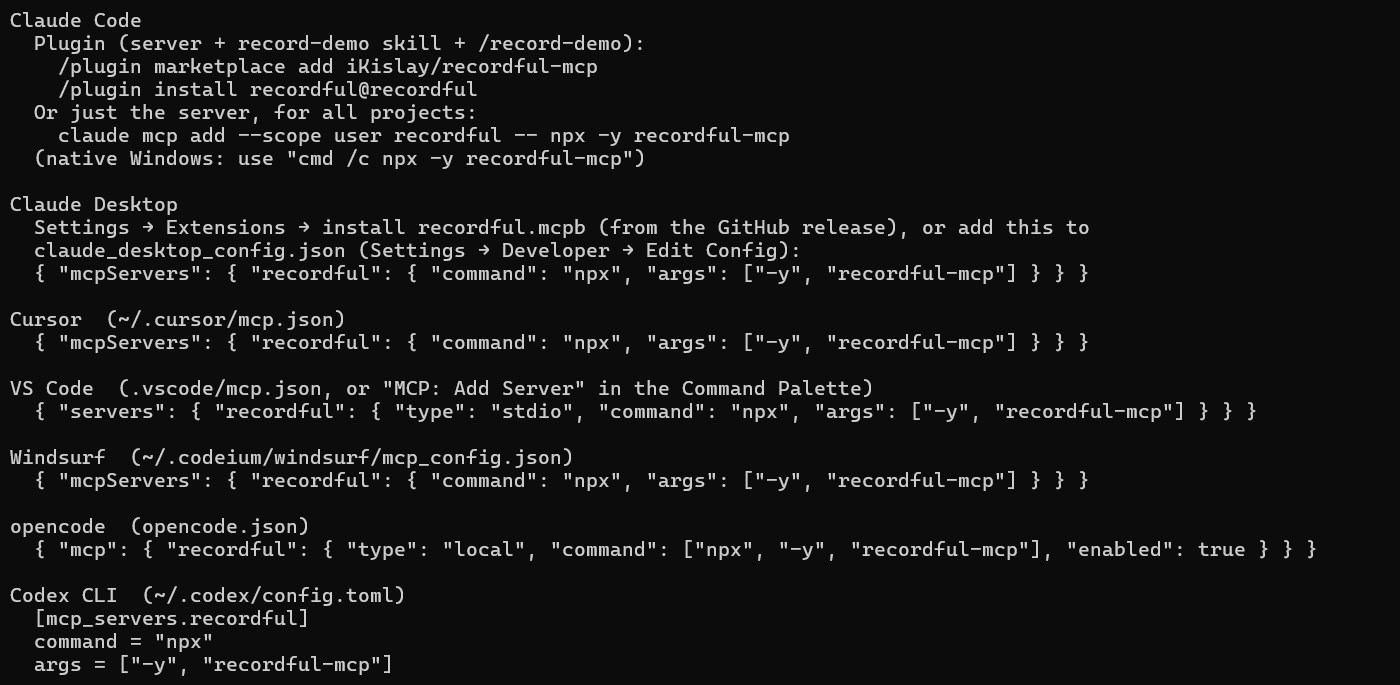
The quickest way is one command. Swap claude for cursor or codex:
npx -y recordful-mcp install --target claude --yes
Or add it by hand:
Claude Code
claude mcp add --scope user recordful -- npx -y recordful-mcp
On native Windows, use cmd /c npx -y recordful-mcp after the --.
Cursor (~/.cursor/mcp.json)
{ "mcpServers": { "recordful": { "command": "npx", "args": ["-y", "recordful-mcp"] } } }
Codex (~/.codex/config.toml)
[mcp_servers.recordful]
command = "npx"
args = ["-y", "recordful-mcp"]
Restart the app so it loads Recordful. npx -y recordful-mcp setup prints the setup for every app.
Step 4: Click the Recordful icon on the tab
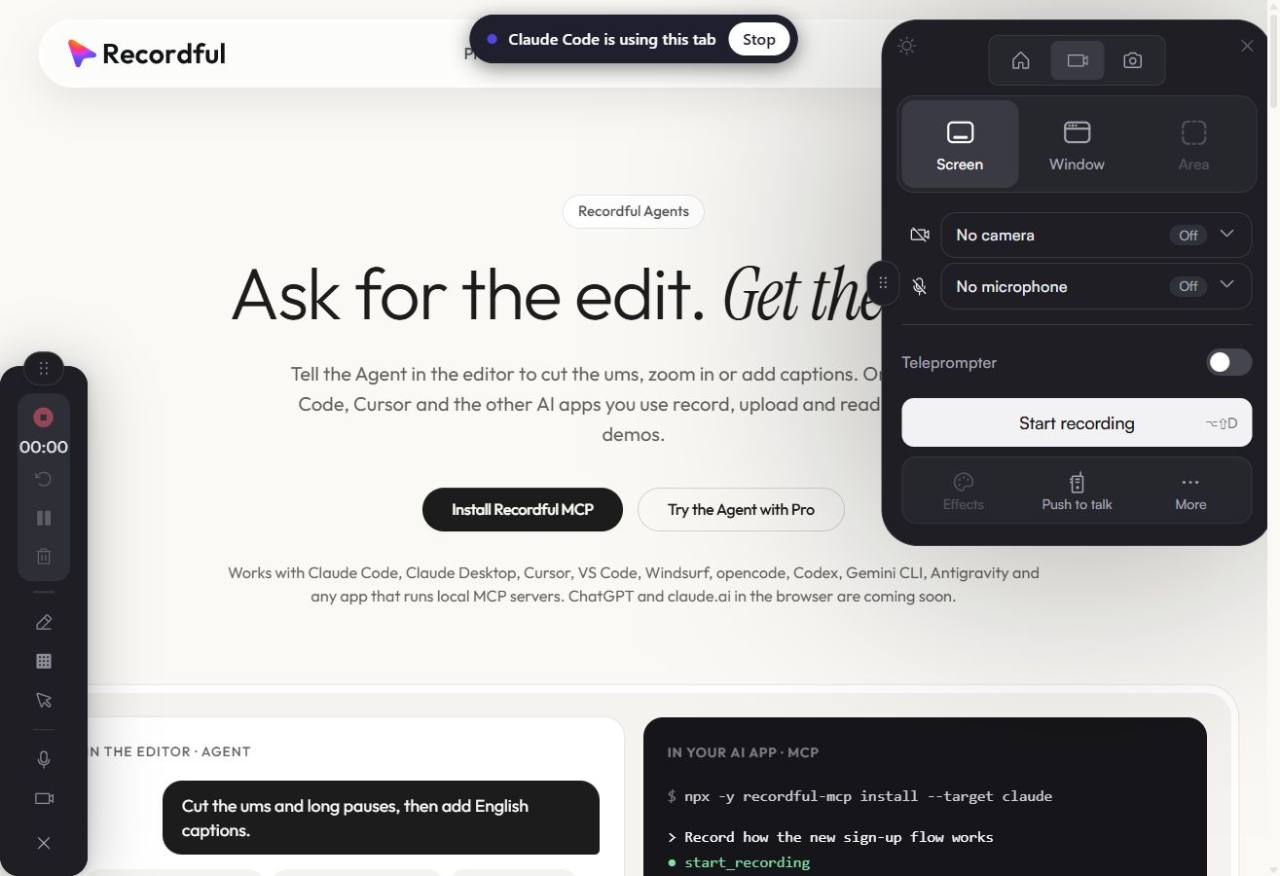
Open the page you want recorded and click the Recordful icon in Chrome's toolbar. Chrome only lets an extension capture a tab after you click it there, and nothing can do this click for you. The same click connects Recordful to your AI.
A chip says which AI app is using the tab. The first time, Recordful shows a 4-digit code. Click Allow if it matches the one your AI shows.
Step 5: Ask your AI to record the demo
In Claude Code, type /recordful:record_feature and give it the feature and the URL. In Cursor or Codex, just ask in plain words:
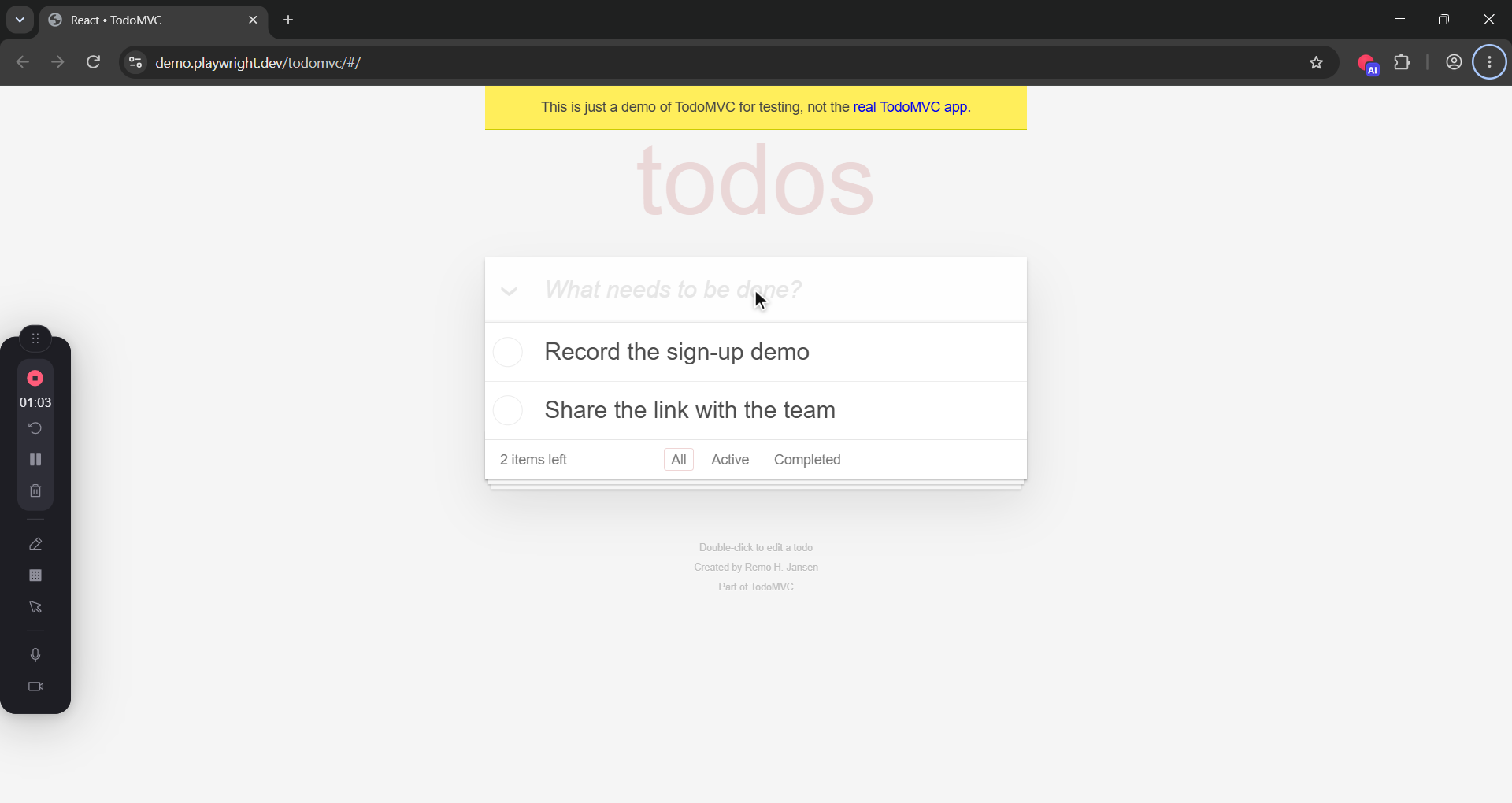
Record a demo of adding two todos on https://demo.playwright.dev/todomvc
The prompt makes the AI plan the walkthrough first, use test data only, and pause between steps so the video has no dead air.

Step 6: The AI clicks, types and records
The AI starts recording with your saved Recordful settings. Then it drives the page: navigate, click, type, press, scroll. Recordful moves a visible cursor to each target and types at a human pace, so the video looks like a person using the app.
It acts only in the tab you handed over.
Step 7: Stop, and the editor opens
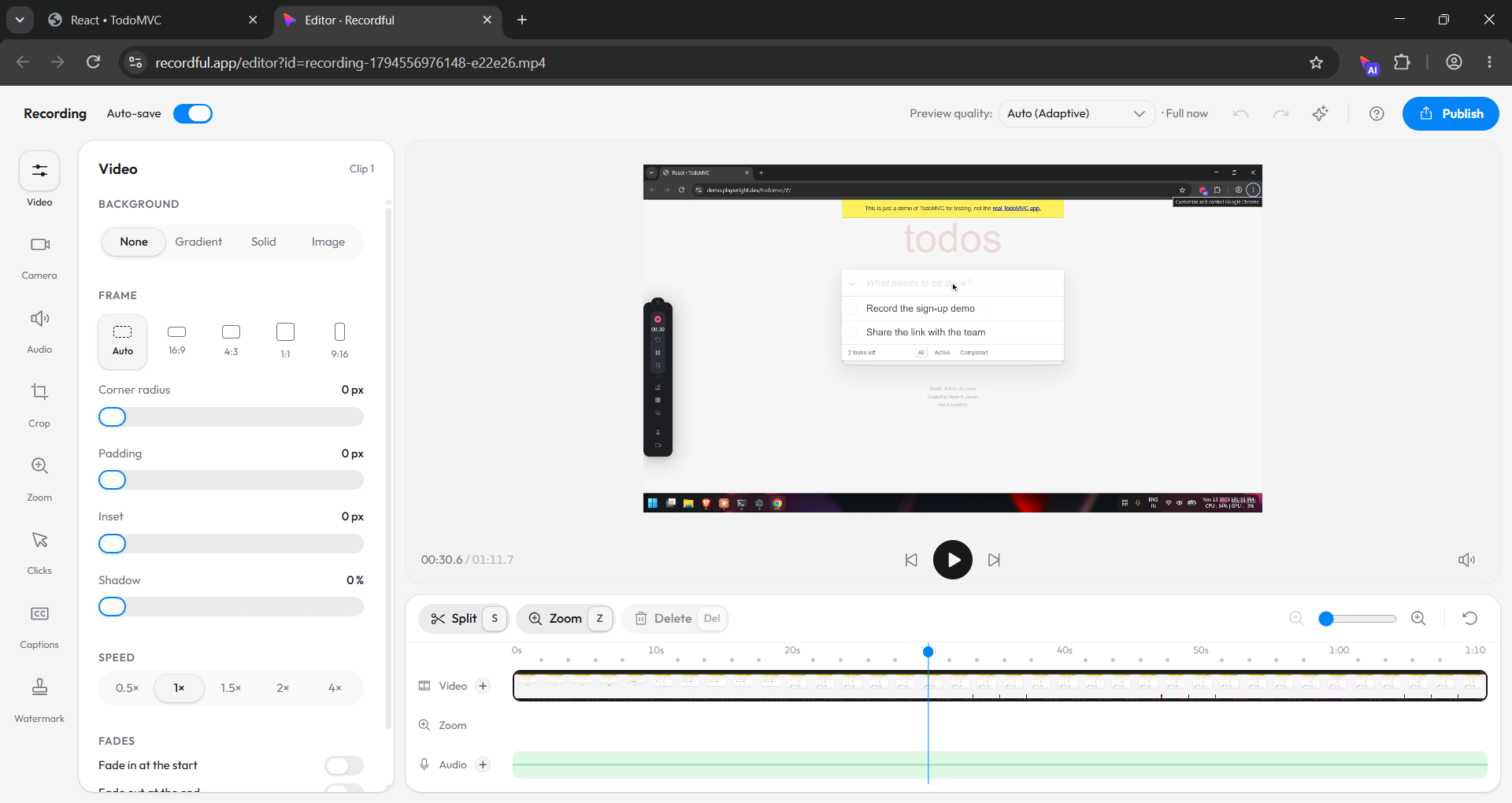
When the AI calls stop_recording, Recordful opens its editor with the take. Trim, zoom, crop and add captions there, or export MP4 or GIF. This works on every plan, and the video stays on your computer.
Step 8: Share the link or read the transcript (Pro)
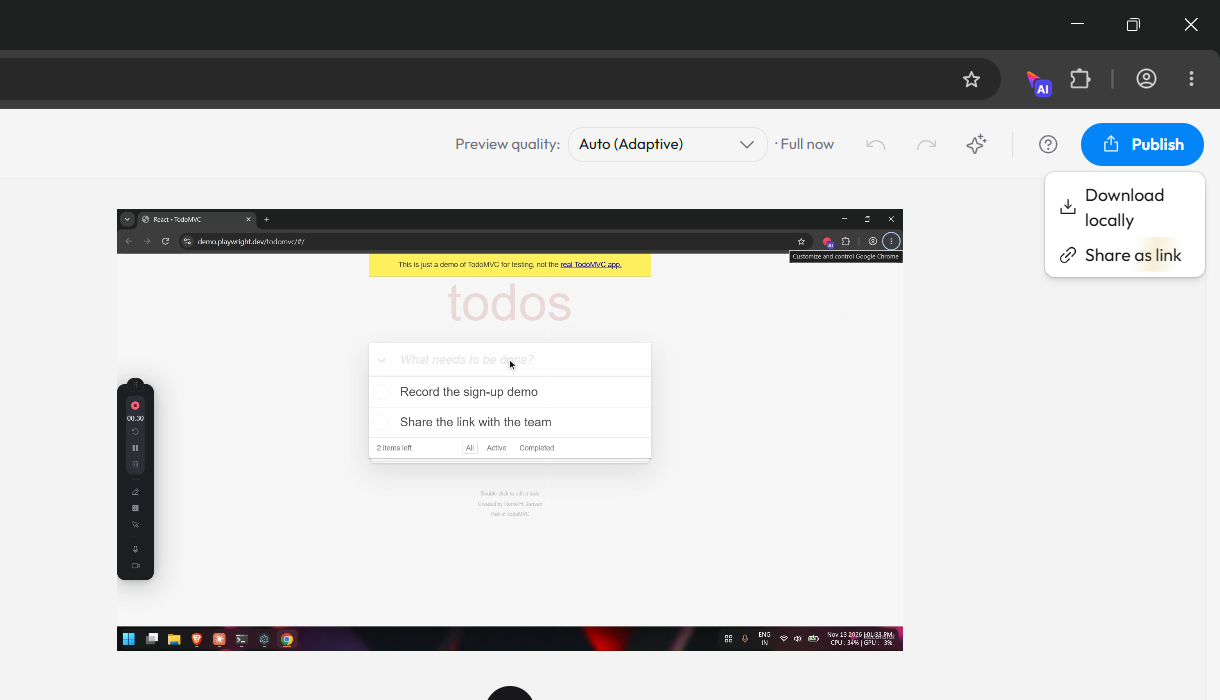
On Recordful Pro, the AI can upload the take and hand you a share link. It can also read the transcript back to write release notes or docs. You can do the same yourself from Publish → Share as link.
Pro is $19 a month or $108 a year. Recording, the page tools and the editor stay free.
Which AI apps work with Recordful?
Any app that runs local MCP servers. That includes Claude Code, Claude Desktop, Cursor, Codex, VS Code, Windsurf, opencode, Gemini CLI and Antigravity. See Recordful Agents for the full list.
Is it safe to let an AI control my browser?
It's off until you turn it on, and it pairs once per computer with a code you check. It only acts in the tab you click the icon on, and it can't take that click for itself. A recording leaves your computer only when it's uploaded (Pro).
Frequently asked questions
Can Claude Code record a video of my web app? Yes. With the recordful-mcp server, Claude Code can start a Recordful recording, click and type through your app, and stop. The video opens in Recordful's editor.
Does it work with Cursor and Codex? Yes. Add recordful-mcp to ~/.cursor/mcp.json or ~/.codex/config.toml, or run npx -y recordful-mcp install --target cursor --yes.
Is it free? Recording, page control and the editor are free. Share links, uploads and transcripts need Recordful Pro, at $19 a month or $108 a year.
Why do I have to click the toolbar icon? Chrome only lets an extension capture a tab after you invoke it on that tab. It's also how you choose which tab the AI may control.
Can the AI take screenshots too? Yes. Ask for a screenshot and it opens in Recordful's screenshot editor. With the Recordful desktop app, it can also capture other windows or the whole screen.
Does it use my real accounts? The record_feature prompt tells the AI to use test data only and never your real credentials. Sign in yourself first if a page needs it.