By Kislay, creator of Recordful. Last updated October 24, 2026.
Short answer: Yes. You can get a free screen recorder with zoom effects inside Chrome. Recordful lets you zoom smoothly while you record, with no account needed to record and export. Screen Awesome and Cursorful are other Chrome extensions built around auto zoom. On the desktop, Recordly and OpenScreen are free and open source.
I built Recordful. I have said where the other tools fit better.
What "auto zoom" means in a screen recorder
Auto zoom is a camera style effect. The recording moves in on the area where the action happens, usually where you click or type, then pulls back out.
It is not about the Zoom meeting app. If you came here to record Zoom calls, this is a different topic.
Why zoom makes screen recordings easier to watch
A full screen recording looks fine on your monitor. On a phone, in an email preview or in a small embed, the text becomes tiny.
Zoom fixes that. It points viewers at the right spot, so you do not have to say "look at the top right corner" ten times.
Free screen recorders with zoom effects compared
| Tool | Type | Zoom | Account | Notes |
|---|---|---|---|---|
| Recordful | Chrome extension | Smooth zoom while recording. Auto zoom keyframes are in Pro | Not needed to record and export | Exports MP4, GIF, WebM |
| Screen Awesome | Chrome extension | Auto zoom that follows clicks | Not needed, per its launch page | Free, with annotations |
| Cursorful | Chrome extension | Auto zoom | Check its site | Browser focused |
| Recordly | Desktop app, open source | Auto zoom and cursor animations | Not needed | Windows, Mac, Linux |
| OpenScreen | Desktop app, open source | Automatic and manual zoom | Not needed | Free, MIT licensed |
| OBS Studio | Desktop app, open source | None built in | Not needed | You add zoom in an editor |
How to record with zoom in Chrome
- Install Recordful from the Chrome Web Store.
- Click the icon and choose what to record: a tab, an area, your desktop, an application window or your camera.
- Turn on your microphone, and system audio if you need it.
- Press record. When you explain a detail, zoom into it, then zoom back out.
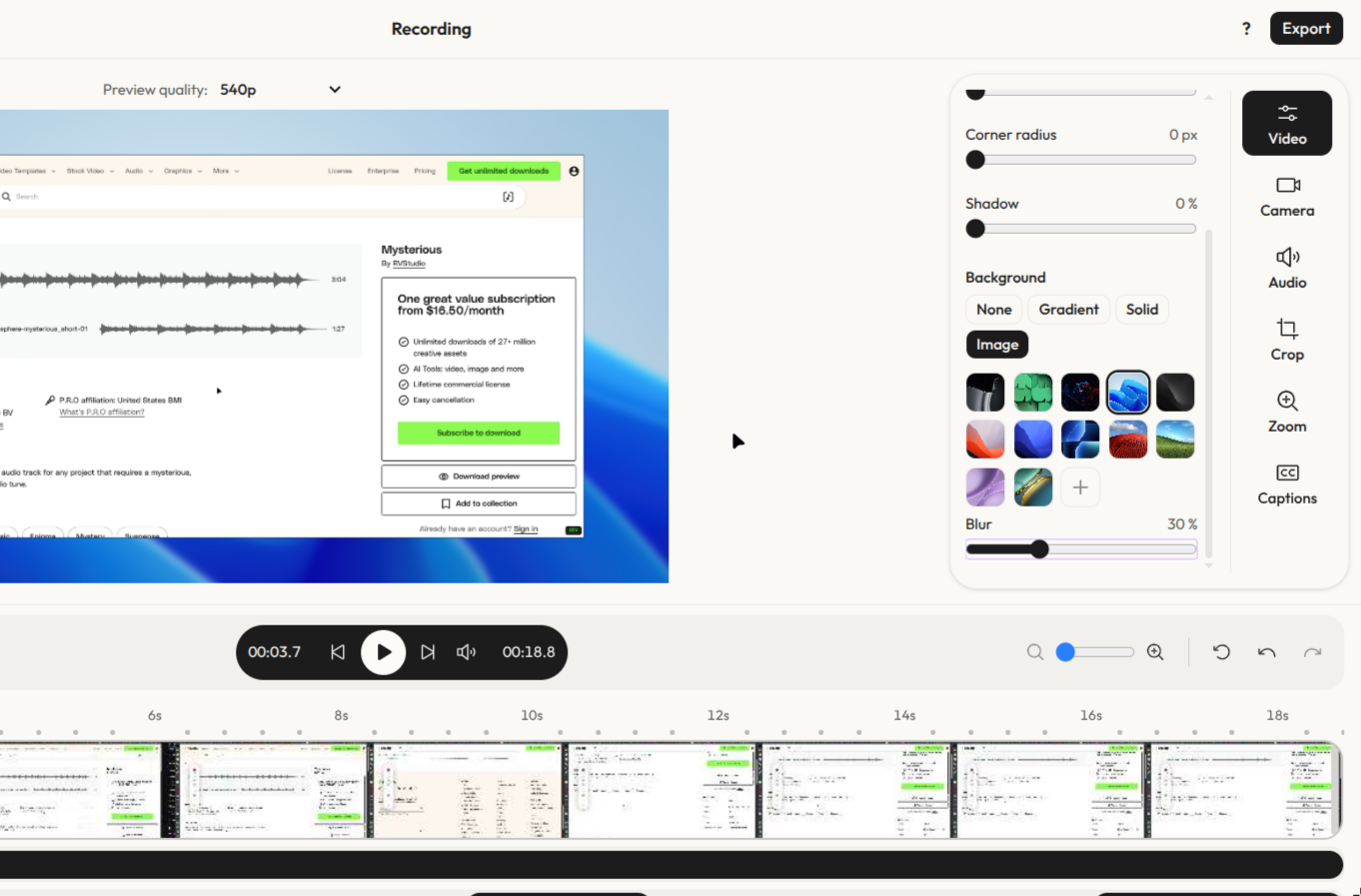
- Stop, open the editor, trim the start and end, and crop if needed.
- Export MP4, GIF or WebM, or save to Google Drive.
Tips for zoom that looks good
- Zoom on one thing at a time. Two moving targets confuse viewers.
- Hold the zoom long enough to read. If you cannot read the text, neither can they.
- Move the cursor slowly. Fast cursor movement makes zoom feel jumpy.
- Zoom out between steps. Viewers keep context about where they are.
- Do not zoom constantly. Zoom works because it is used on purpose.
What is free and what is Pro in Recordful
Free: unlimited recordings (tab, area, desktop, window or camera), microphone and system audio, live annotation, smooth zoom while recording, trim and crop, export to MP4, GIF and WebM, and save to Google Drive.
Pro: cloud sharing links, multi scene editing, auto zoom keyframes, captions and more advanced editor effects. It costs $30 a year (about $2.49 a month) or $3.99 on monthly billing.
More on this topic: Screen Studio alternative for Windows and how to make screen recordings look professional.
Frequently asked questions
Is there a free screen recorder with auto zoom? Yes. Recordful, Screen Awesome and Cursorful are Chrome extensions with zoom features. Recordly and OpenScreen are free desktop apps.
Do I need an account to record? Not with Recordful. You can record and export without signing in. Cloud sharing needs a Pro account.
Which formats can I export? MP4, GIF and WebM. You can also save to Google Drive.
Does it work on Windows? Yes. Recordful runs in Chrome, so it works on any computer that can run Chrome. Recordly and OpenScreen also run on Windows.
Can I record just one browser tab? Yes. You can record a tab, an area, your desktop, an application window or your camera.
Is my recording uploaded anywhere? Recordings stay on your device until you choose to export or upload them.
Sources: tool details from each product's public page or listing, checked October 2026.