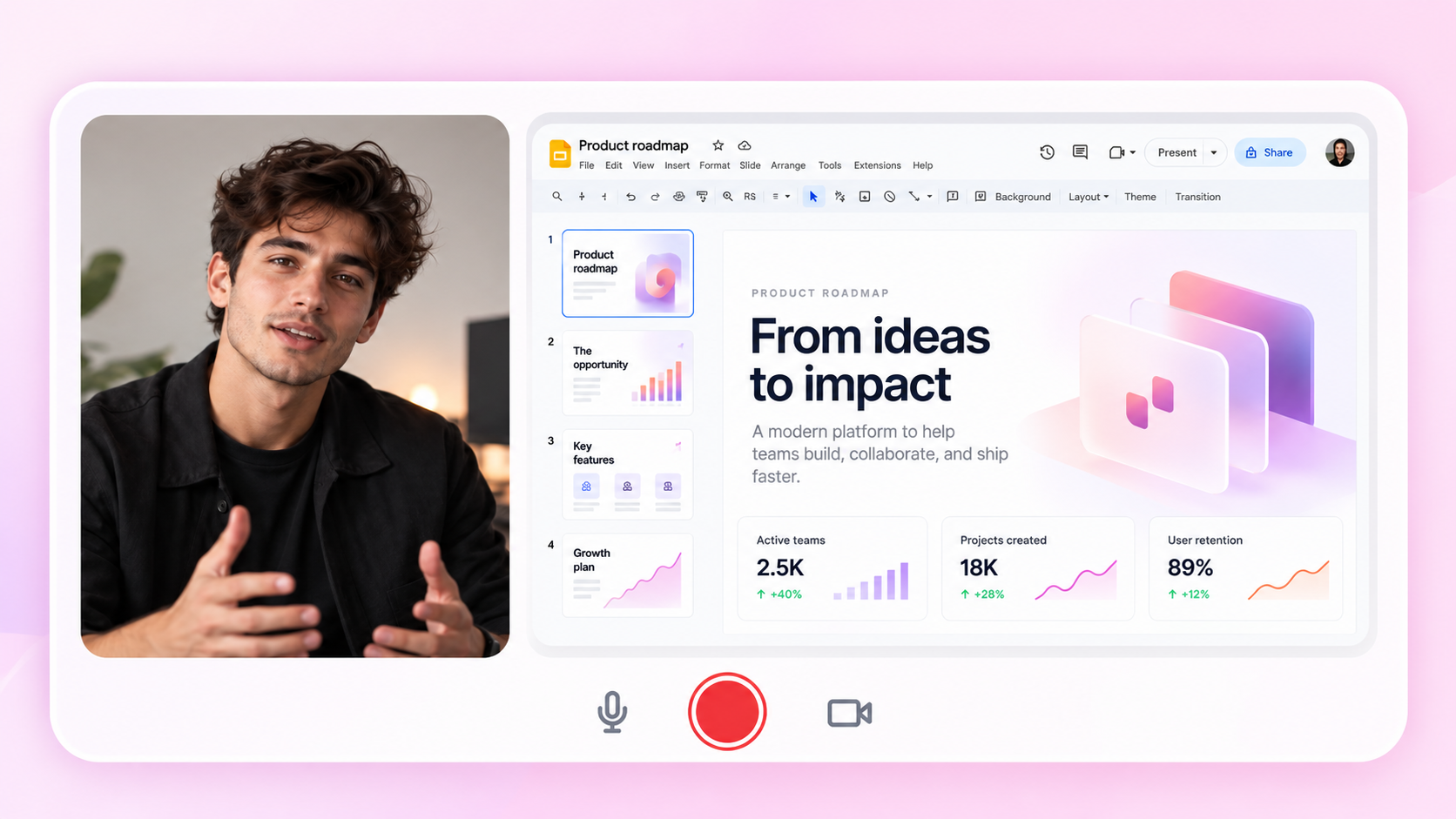
By Kislay, creator of Recordful. Last updated October 24, 2026.
Short answer: To record a product demo video, decide the one thing the demo must show, outline five to seven beats, set up a clean demo account, record in Chrome with a tab recorder, zoom into the key moments, trim, and export MP4. Keep a website demo to 60 to 90 seconds. A free Chrome extension like Recordful can record, zoom, trim and export, and AI apps can even drive the recording for you.
What is a product demo video?
A product demo video is a short screen recording that shows how your product solves a problem. You use it on your landing page, in onboarding emails, on Product Hunt, in docs and in sales follow ups.
Step 1: Pick the one job of the demo
One demo, one job. "Show how a new user goes from sign up to their first result in 60 seconds" is a job. "Show every feature" is not.
If you have three jobs, make three videos.
Step 2: Outline five to seven beats
Use this structure and adjust the timing to your product.
| Beat | What to show | Rough time |
|---|---|---|
| 1. Hook | The problem, or the end result | 5 to 10 seconds |
| 2. Starting point | Where the user begins | 5 seconds |
| 3 to 5. Key steps | The two or three actions that matter | 10 to 20 seconds each |
| 6. Result | What the user gets | 10 seconds |
| 7. Next step | One clear call to action | 5 seconds |
Step 3: Prepare a clean demo environment
- Use a test account with realistic sample data.
- Reset the app to the starting state.
- Close extra tabs and turn off notifications.
- Never show real customer data.
- Keep your theme, zoom level and window size consistent.
Step 4: Record in Chrome
Install Recordful from the Chrome Web Store. For a web app, choose Tab recording. It keeps the viewer focused and keeps the rest of your desktop out of the video.
Turn on your microphone, use the countdown and talk a little slower than feels natural. You can also use live annotation to point at things while you record.
Step 5: Zoom into the key moments
When you reach the step that matters, zoom into it, hold it long enough to read, then zoom back out. Recordful lets you zoom smoothly while you record.
See how to make screen recordings look professional for more on zoom, cursor movement and audio.
Step 6: Edit
Trim the start and end, crop away anything distracting and check your audio tracks. If one step went badly, record that section again instead of heavy editing.
Recordful's editor handles trim, crop and audio tracks.
Step 7: Export and publish
- MP4: landing pages, YouTube, email and social.
- GIF: READMEs, docs and changelogs.
- Google Drive: save straight from Recordful.
- Share link: cloud sharing is part of Recordful Pro.
How long should a product demo video be?
There is no official rule, but these ranges work for most products.
| Where it is used | Suggested length |
|---|---|
| Landing page demo | 60 to 90 seconds |
| Product Hunt or social | 30 to 60 seconds |
| Onboarding or help article | 1 to 3 minutes per task |
| Sales follow up walkthrough | 2 to 5 minutes |
These are rules of thumb from common practice, not research results. If viewers get the point sooner, stop sooner.
Let AI record your demo with Claude, Cursor or any MCP app
Recordful can be driven by AI apps through the Model Context Protocol (MCP). Ask Claude Code, Claude Desktop, Cursor, VS Code, opencode or any MCP app to "record a demo of the sign up flow." It plans the walkthrough, moves through the page with a smooth on screen cursor while Recordful records, and opens the editor when it is done.
This is off until you turn it on. It runs on your computer, pairs once per computer with a code you check, and acts only in the tab you hand over. Recording works on every plan. On the free plan, links and transcripts need Pro.
Product demo mistakes to avoid
- Starting with a logo animation. Viewers leave before the product appears.
- Showing every feature. A demo is not a manual.
- Reading a script in a flat voice. Know your beats and talk like a person.
- Using real customer data. Use sample data.
- No next step. End with one clear thing to do.
Frequently asked questions
How do I record a product demo video for free? Use a free Chrome extension such as Recordful. You can record a tab, add zoom and annotations, trim, and export MP4 or GIF without an account.
How long should a product demo video be? About 60 to 90 seconds for a landing page, and 30 to 60 seconds for social. Longer walkthroughs of two to five minutes suit sales follow ups.
What should a SaaS product demo include? A hook that shows the problem or result, the two or three key steps, the result and one next step.
Can I make a product demo video without editing skills? Yes. Record in short, clean takes, then trim and crop in a built in editor. Zoom while you record to guide the eye.
Can AI record my product demo? Yes. With Recordful's MCP support, AI apps such as Claude Code and Cursor can plan a walkthrough and drive the page while Recordful records.
Which format should I export? MP4 for most uses and GIF for short loops in docs. Recordful exports MP4, GIF and WebM.