A tab
Record one browser tab, sharp and with its sound, while everything else stays off camera.
Record a tab, an area, a window, your whole screen or just your camera. Read from a teleprompter, draw on the page, and share a link the moment you stop.
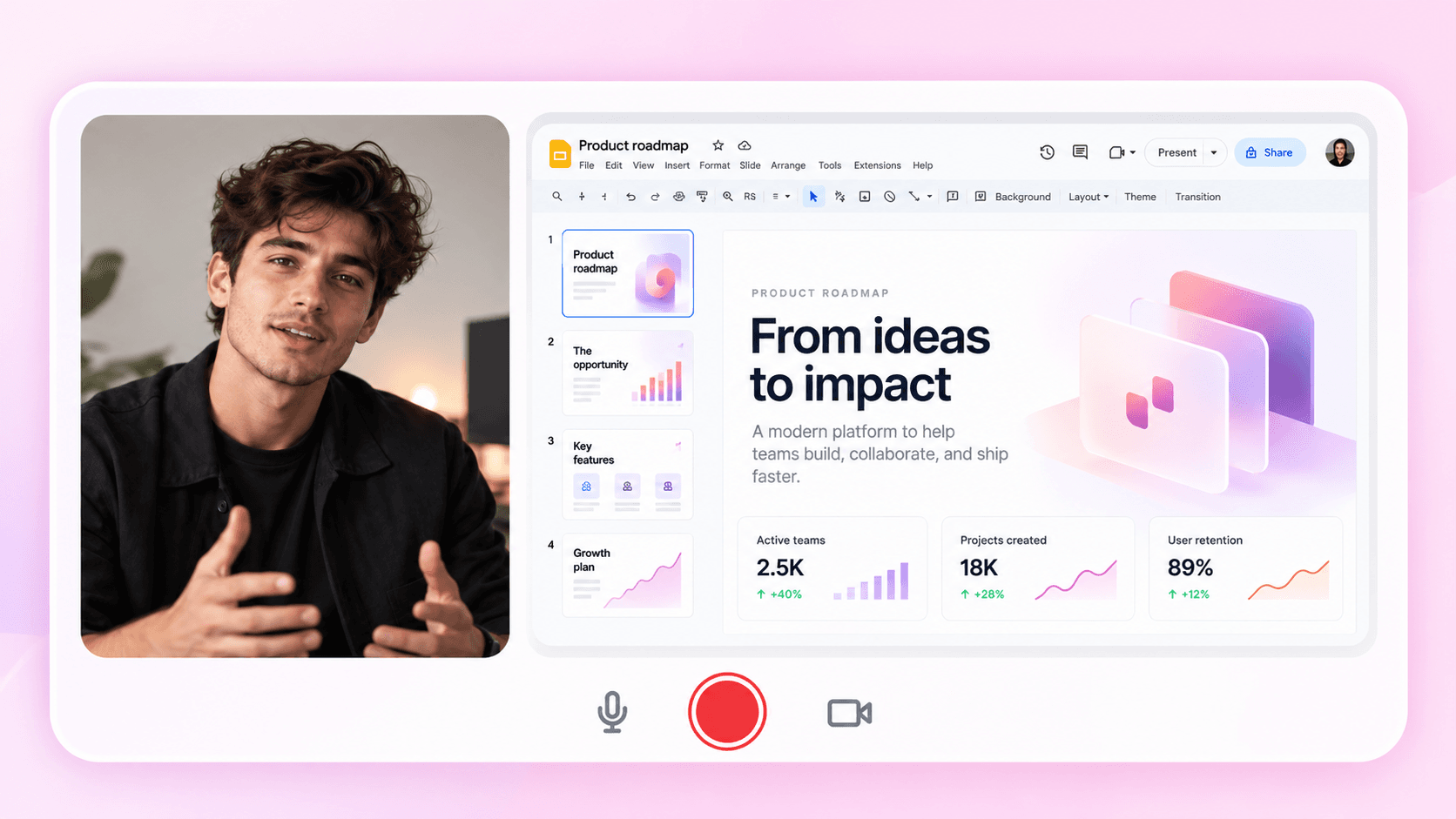
Four ways to record, with your voice, your face and your script along for the ride.
Record one browser tab, sharp and with its sound, while everything else stays off camera.
Draw a box on the page and record only what is inside it.
Any app window or a whole display, with your microphone and system audio.
A talking-head video from your webcam, no screen needed.
Your script floats beside what you record, scrolling with the take and pausing when you pause.
Pen, arrows, shapes, text and images on top of the page, cleared with the eraser when you are done.
Every take is ready to edit. With Pro, it can be a link before you've let go of the mouse.
Your clicks and pointer are tracked as you record, so zooms and click effects are in place when the editor opens.
With Instant Mode the take goes to the cloud as you record, so most of it is there when you stop.
Stop and the watch page opens with the link on your clipboard. Viewers need no account.
Open Recordful and choose a tab, an area, a window, your screen or the camera. Add your microphone, system audio and webcam.
A countdown, then you're live. Pause when you need to, read from the teleprompter, draw on the page.
The take opens in the editor, or with Instant Mode the watch page opens and the link is copied.
More on sharing in Instant Mode.
Tab, area, screen and camera, with drawing, a teleprompter and Instant Mode. Works in Chrome, Edge and Brave.
AvailableScreen, window or area on macOS, Windows and Linux, with webcam, system audio and a teleprompter.
AvailableLet Claude Code, Cursor and other AI apps record a walkthrough for you through the extension.
What you can record, where it goes and what it costs.
Record in the browser for free, or put the whole studio on your desktop. No account needed to start.
Free forever · No sign-up to record · Open source