By Kislay, creator of Recordful. Last updated November 15, 2026.
Short answer: Loom's desktop app runs on Mac and Windows only. Loom's own help page says it is "Not compatible with Linux or Chromebook OS." Recordful is a free Loom alternative with a native Linux desktop app (one AppImage for Ubuntu, Fedora, Arch Linux, Linux Mint and Pop!_OS) and a Chrome extension that works in Chrome on Linux. Both are free, need no account, and have no time limit on recordings you save.
Does Loom have a Linux app?
No. From Loom's help page "The Loom recording platforms", checked on November 15, 2026, the Loom desktop app is listed as:
Not compatible with Linux or Chromebook OS (Available on Mac and Windows only).
So if you run Ubuntu, Fedora, Arch or another distribution, Loom's desktop app is not an option.
Loom's free plan also has limits worth knowing. From Loom's pricing page on November 15, 2026:
| Loom plan | Price | Limits |
|---|---|---|
| Starter | Free | 25 videos per person, 5 minutes per screen recording, up to 720p |
| Business | $18 per user a month | Unlimited videos, up to 4K |
| Business + AI | $24 per user a month | Adds AI features, up to 4K |
| Enterprise | Contact sales |
Annual billing saves up to 17%.
What Recordful gives you on Linux
You can use Recordful two ways on Linux, and you can use both.
The desktop app (AppImage):
- One 64-bit AppImage for Ubuntu, Fedora, Arch Linux, Linux Mint and Pop!_OS.
- Records your whole screen or a window, with your camera and microphone if you want them.
- Takes screenshots too, with Ctrl+Alt+S.
- Auto-zoom on clicks and click effects. On Linux these need an X11 session (more on that below).
The Chrome extension:
- Works in Google Chrome 110 or newer on Linux, and in other Chromium browsers such as Brave and Edge.
- Records a tab, an area, a window, the whole screen or just your camera.
- Drawing, blur and a teleprompter while you record.
- Tab and area recordings work exactly as on any other system, including click effects and auto-zoom.
Free on both, with no account:
- No time limit on a recording and no cap on how many you make.
- Recordings stay on your computer.
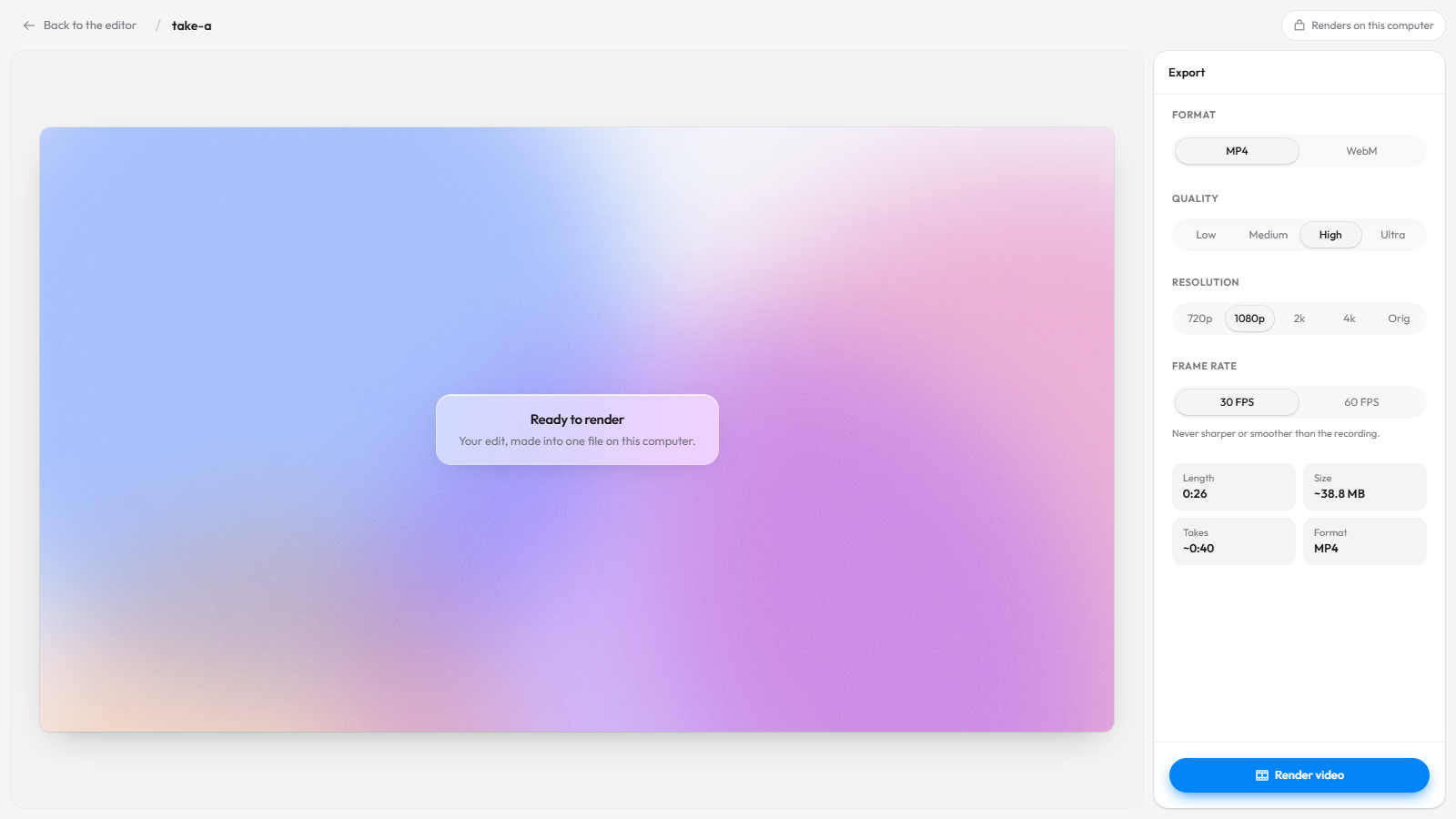
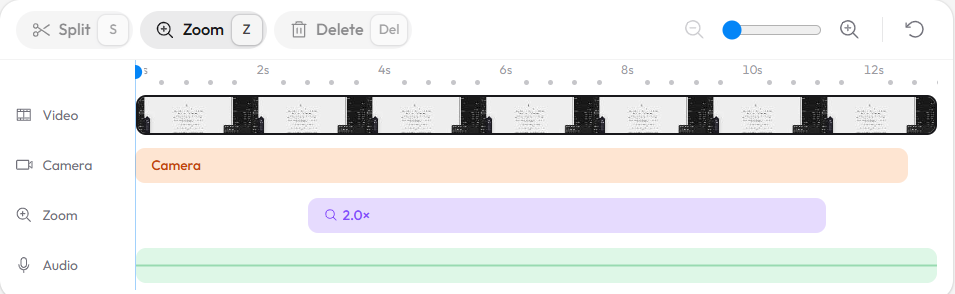
- The full editor: trim, cut, speed, zoom, click effects, cursor, backgrounds, camera layouts, watermark, extra clips and voiceover, and Recordful Motion titles and callouts.
- Export MP4 or WebM up to 4K, or a GIF, rendered on your computer.
Loom vs Recordful on Linux
Checked November 15, 2026.
| Loom | Recordful | |
|---|---|---|
| Native Linux desktop app | No (Mac and Windows only) | Yes, AppImage |
| Chrome extension | Yes | Yes, free and open source (GPLv3) |
| Free recording length | 5 minutes per screen recording | No limit |
| Free number of videos | 25 per person | No limit |
| Free quality | Up to 720p | Export up to 4K |
| Account needed to record | Yes | No |
| Download your video | Business plans | Yes, free |
| Share links | Yes | Recordful Pro |
| Team pricing | Per user | One price per workspace |
How to install Recordful on Linux
- Go to the download page. It picks the Linux AppImage for you.
- Install FUSE 2 if your distribution leaves it out. AppImages need it:
| Distribution | Command |
|---|---|
| Ubuntu 24.04 and newer, Linux Mint 22, Pop!_OS 24.04 | sudo apt install libfuse2t64 |
| Ubuntu 22.04, Linux Mint 21, Pop!_OS 22.04 | sudo apt install libfuse2 |
| Fedora | sudo dnf install fuse-libs |
| Arch Linux | sudo pacman -S fuse2 |
- Make the file executable and run it:
chmod +x Recordful-linux-x64.AppImage
./Recordful-linux-x64.AppImage
- Pick a screen or window and record.
- If you prefer the browser, add the Recordful extension to Chrome instead. Nothing to install on the system.
Does Recordful work on Wayland?
Yes. On Wayland, the default on recent Ubuntu, Fedora and Pop!_OS, here is how each part behaves:
- Extension, window or entire-screen recording: Chrome opens your desktop's own screen-sharing dialog. Pick the window or screen there. If the dialog never appears, check that
xdg-desktop-portaland PipeWire are installed. They are on these distributions out of the box. - Extension, tab or area recording: click effects and auto-zoom are always placed exactly, so this is the best choice for browser demos on Wayland.
- Desktop app: it finds your clicks for click effects and auto-zoom through X11. For those, choose the "X11" or "Xorg" session on your login screen.
How do I get a Loom-style share link on Linux?
Recordful Pro adds share links: a watch page with a clickable transcript, captions, comments, an AI summary and chapters. Viewers watch in the browser without an account. Instant Mode uploads while you record and copies the link when you stop, the way Loom does.
Pro is $19 a month, or $108 a year ($9 a month), with a 14-day free trial. One price covers your whole workspace, so you can invite your team without per-seat pricing. See how to share a screen recording instantly with a link.
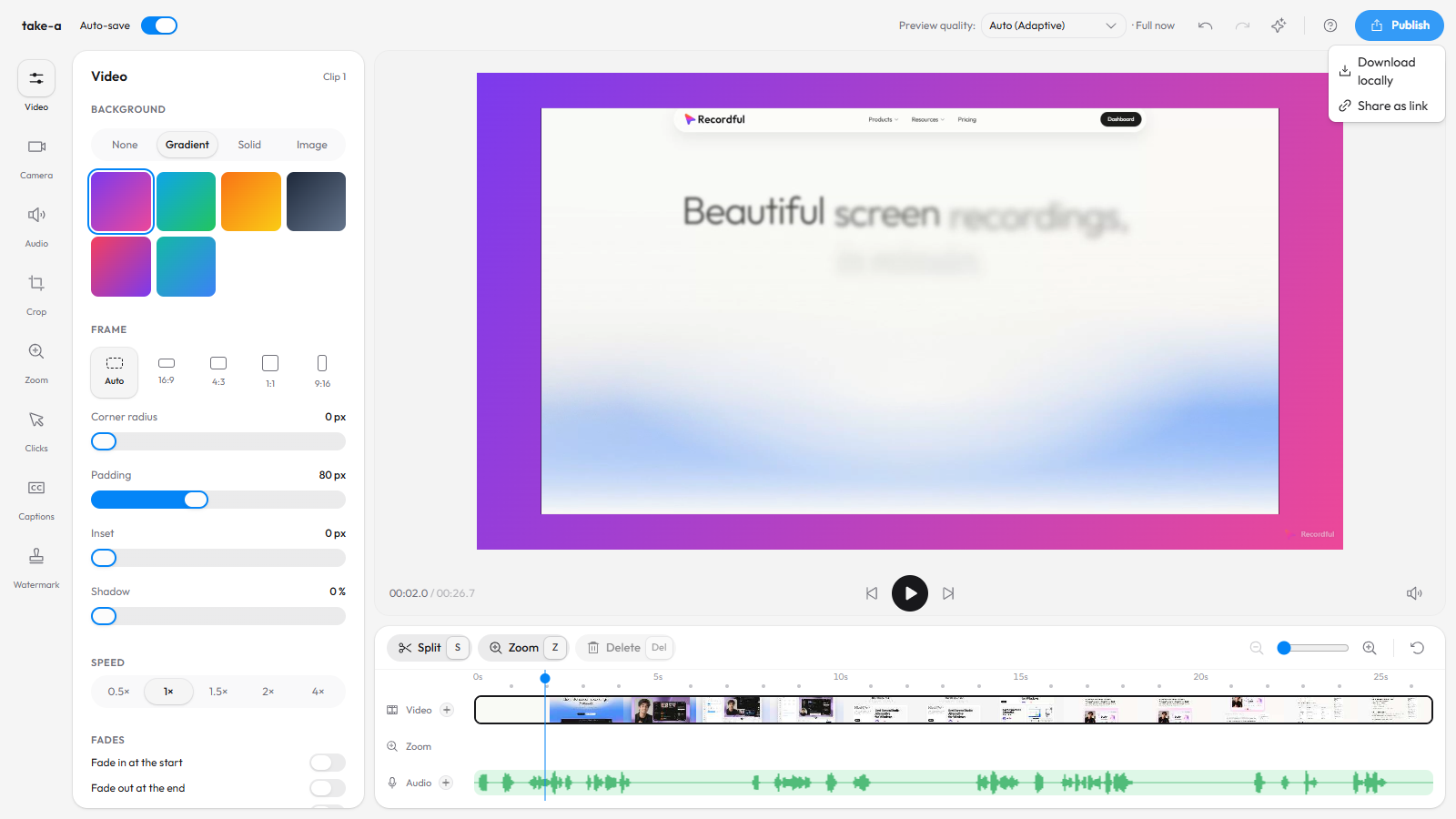
If you want the polish of Screen Studio on Linux rather than Loom's share-and-go flow, see the Screen Studio alternative for Linux guide.
Frequently asked questions
Is Loom available on Linux? Loom's desktop app is not. Loom's help page says it is "Not compatible with Linux or Chromebook OS (Available on Mac and Windows only)", as of November 15, 2026.
What is the best free Loom alternative for Linux? Recordful has a native Linux app and a Chrome extension, records with no time limit, needs no account, and exports up to 4K for free.
Which Linux distributions does Recordful support? The AppImage is built for 64-bit Ubuntu, Fedora, Arch Linux, Linux Mint and Pop!_OS. The Chrome extension works on any distribution that runs Chrome 110 or newer.
Why won't the AppImage open? It usually needs FUSE 2. Install libfuse2t64 (Ubuntu 24.04+), libfuse2 (Ubuntu 22.04), fuse-libs (Fedora) or fuse2 (Arch), then run it again.
Does Recordful record with audio on Linux? Yes. You can record your microphone and camera with the screen in both the desktop app and the extension.
Can I record a Chrome tab on Linux like Loom? Yes. The Recordful extension records a tab or an area of a tab on Linux, with click effects and auto-zoom placed exactly.
Is Recordful open source? The Chrome extension is open source under GPLv3, on GitHub.
Is there a Loom alternative for Chromebook too? Yes, see the Loom alternative for Chromebook.
More comparisons: Recordful vs Loom, free Loom alternative with no time limit, open-source Loom alternative, Loom alternative with no sign-up and Loom alternative with free 4K.
See Recordful Screen Recorder, the editor and Instant Mode.