
By Kislay, creator of Recordful. Last updated November 15, 2026.
Short answer: Screen Studio doesn't run on a Chromebook. It's a macOS app, and its FAQ says it "only supports macOS." Recordful is a free Chrome extension that runs on ChromeOS and gives you the same kind of video: auto-zoom on your clicks, click effects and sounds, backgrounds and padding, then export up to 4K. There's no account, no time limit, and the editor runs in Chrome. It works the same way in Chrome on Windows, macOS and Linux.
Can you use Screen Studio on a Chromebook?
No. From screen.studio on November 15, 2026:
- Its FAQ says: "Currently, Screen Studio only supports macOS."
- Its system requirements page lists macOS Ventura 13.1 or later and 8 GB of RAM.
- Its price is $29 a month, or $9 a month billed yearly. Its download page says that without an active plan "you can still use all the features except for exporting video files."
A Chromebook runs ChromeOS, so there's no Screen Studio app to install. On a Chromebook, everything happens in Chrome, and that's where Recordful lives.
What makes a recording look like Screen Studio?
The Screen Studio look comes down to a few things:
- Auto-zoom that moves in on where you click, then pulls back out
- Click effects, so viewers see every click
- A background and padding around the recording, instead of raw screen edges
- Your camera in a corner or beside the screen
- Clean edits: trims, cuts and speed-ups so nothing drags
Recordful does all five in Chrome, for free.
What Recordful does on a Chromebook
Recordful's requirements list Chrome 110 or newer on ChromeOS, next to Windows, macOS and Linux. The editor runs in Chrome too, at recordful.app, so you never need a desktop app.
Recording, free with no account:
- Record a tab, an area, a window, the whole screen or just your camera
- No time limit and no cap on how many videos you make
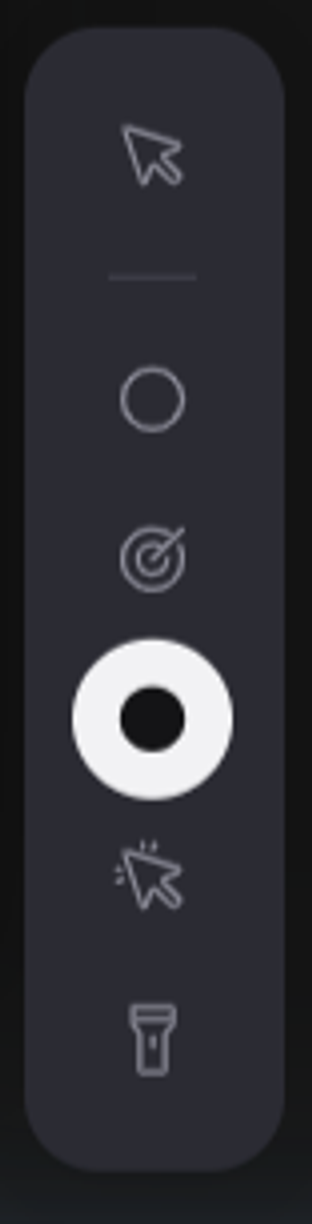
- Click effects while you record: circle, ripple or pressure (keys 1, 2 and 3 on the toolbar), plus a cursor highlight and spotlight
- Draw on the screen, blur private details, and read from a teleprompter
- Recordings stay on your Chromebook
The editor, free in the browser:
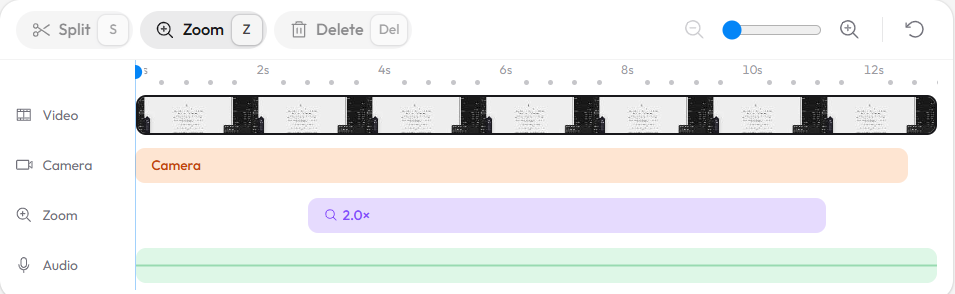
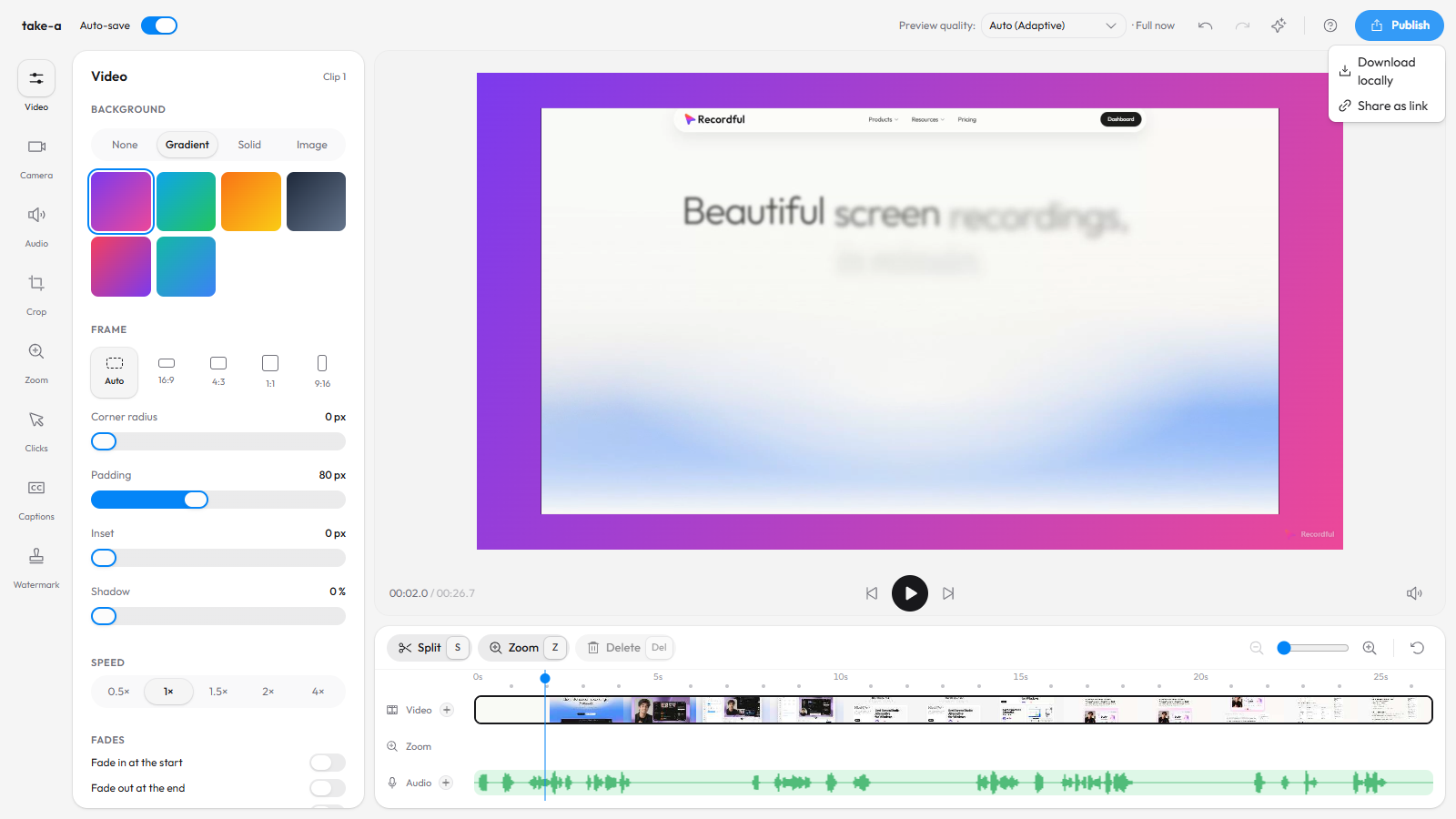
- Auto-zoom on clicks, placed for you when the editor opens, plus manual zooms
- Click effects and click sounds
- Backgrounds, padding and camera layouts
- Trim, cut and speed
- Add clips and record a voiceover
- Recordful Motion: animated titles, lower thirds, callouts, blur and spotlight masks
- Export MP4 or WebM up to 4K, or a GIF
A small Recordful mark is on by default. You can turn off the Recordful mark for free, or use your own logo.
Screen Studio vs Recordful on a Chromebook
From screen.studio on November 15, 2026, and Recordful's own plans:
| Screen Studio | Recordful | |
|---|---|---|
| Runs on ChromeOS | No, macOS only | Yes, Chrome 110+ |
| Install | Mac app | Chrome extension |
| Auto-zoom on clicks | Only in the Mac app | Yes, free |
| Export without paying | No, exporting needs a plan | Yes, up to 4K |
| Price | $29 a month, or $9 a month billed yearly | Free. Pro: $19 a month or $108 a year |
How to make a Screen Studio-style recording on a Chromebook
- Open the Recordful page on the Chrome Web Store and click Add to Chrome.
- Pin the Recordful icon next to the address bar.
- Open the tab you want to record and click the icon. Pick Tab or Area: click effects and auto-zoom are always placed exactly on those.
- Turn on your microphone, and your camera if you want it in the video. Then record. No sign-in needed.
- Walk through your demo. Click with purpose and move the cursor slowly, so each zoom has a clear target.
- Stop. The editor opens in Chrome with auto-zoom already placed on your bursts of clicks.
- Change a zoom's level, drag it on the timeline, or add one by hand. Pick a click effect, a background and padding.
- Trim the start and end, and cut any dead air.
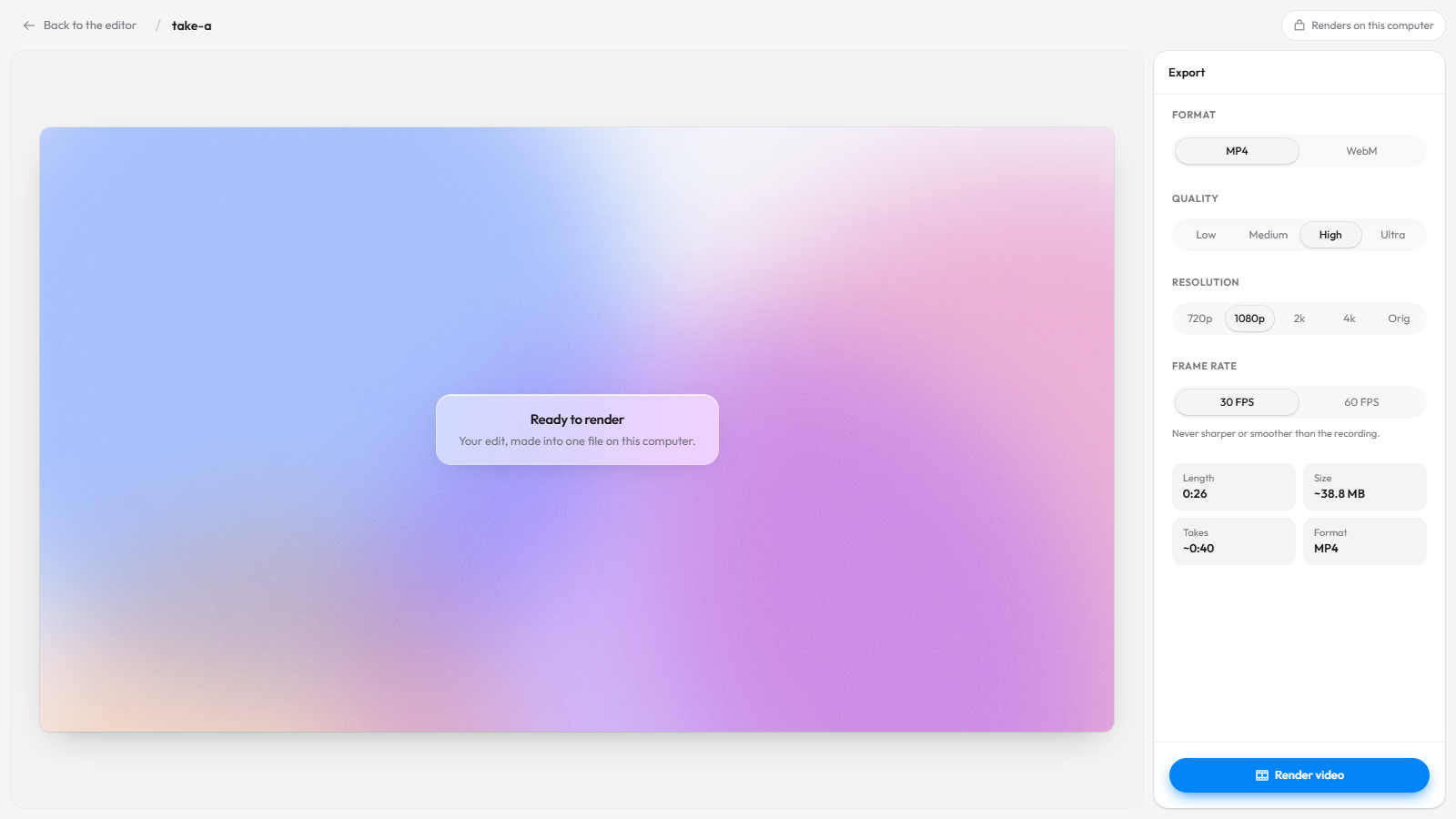
- Click Publish → Download locally and export MP4 or WebM, 720p up to 4K, or a GIF. The file is made on your Chromebook.
Tip: keep at least 1 GB free before a long recording. Recordings stream to disk, so free space matters more than memory.
Does it work in any browser, not only on a Chromebook?
Yes, in Chrome and Chromium browsers. The extension runs in Chrome 110+, Edge and Brave on Windows, macOS, ChromeOS and Linux, and the steps above are the same on each. If you'd rather have a desktop app, Recordful also has one for macOS 14+, Windows 10 and 11, and Linux. See download Recordful, the Windows guide and the Linux guide.
How do I share a link instead of a file?
Recordful Pro adds share links with a watch page: a searchable transcript, captions in 10 languages, comments, an AI summary and chapters, and view analytics. You choose who can watch, and can add a password and an expiry date. Instant Mode uploads while you record and copies the link the moment you stop.
Pro is $19 a month, or $108 a year ($9 a month), with a 14-day free trial. One price covers the whole workspace, so a class, a team or a department can join without a price per person. See how to share a screen recording with a link and Instant Mode.
Frequently asked questions
Is there a Screen Studio for Chromebook? No. Screen Studio only supports macOS. Recordful is a free Chrome extension that runs on ChromeOS with auto-zoom on clicks.
Can I get auto-zoom on a Chromebook for free? Yes. Recordful places auto-zoom on your clicks when the editor opens, and you can add manual zooms. Recording, editing and export are free with no account.
Do I need to install an app on ChromeOS? No. Recording happens in the Recordful extension and editing happens in Chrome at recordful.app.
Is there a time limit on a Chromebook? No. Recordful has no time limit on recordings you save to your Chromebook.
Can I export 4K on a Chromebook? Recordful's export page offers MP4 or WebM from 720p up to 4K, plus GIF. The video is rendered on your Chromebook.
Does it work on school-managed Chromebooks? It needs Chrome 110 or newer and permission to install extensions. If your school blocks extensions, ask your admin to allow Recordful.
Does Recordful work in other browsers? It works in Chrome, Edge and Brave on Windows, macOS, ChromeOS and Linux.
Is Recordful open source? Yes. The Chrome extension is open source under GPLv3, on GitHub.
More on this topic: Recordful vs Screen Studio, free Screen Studio alternatives, free screen recorder with auto zoom and Loom alternative for Chromebook.
See Recordful Screen Recorder and the editor.