By Kislay, creator of Recordful. Last updated November 13, 2026.
Short answer: Open your first recording in Recordful's editor, click the + beside Video on the timeline, and choose From Recordful (your other recordings and screenshots) or From your computer (MP4, WebM, MOV, PNG, JPG or WebP). Each clip goes on the end. Drag clips on the timeline to reorder them, then export one MP4. It's free, runs in your browser, and needs no account.
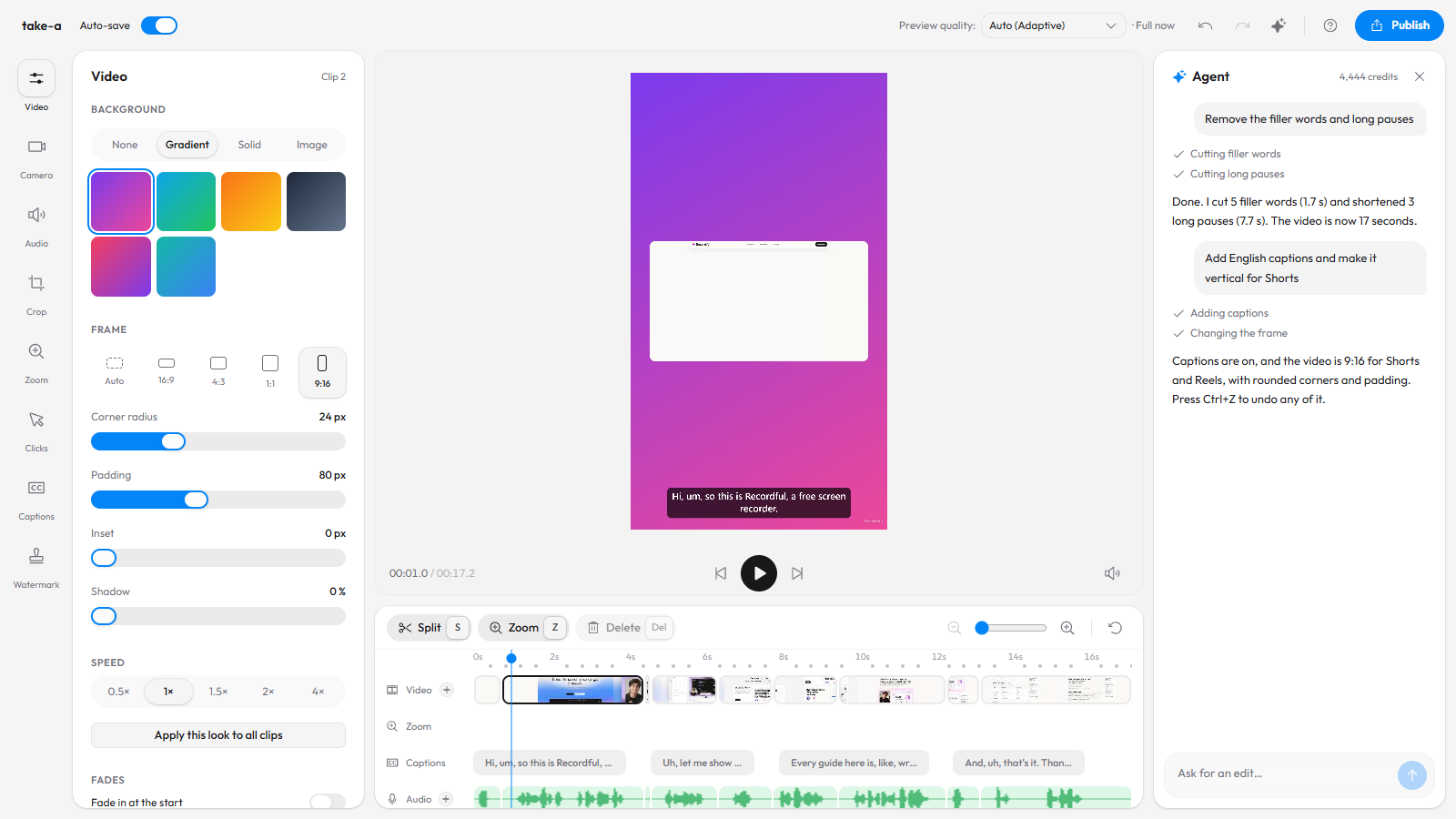
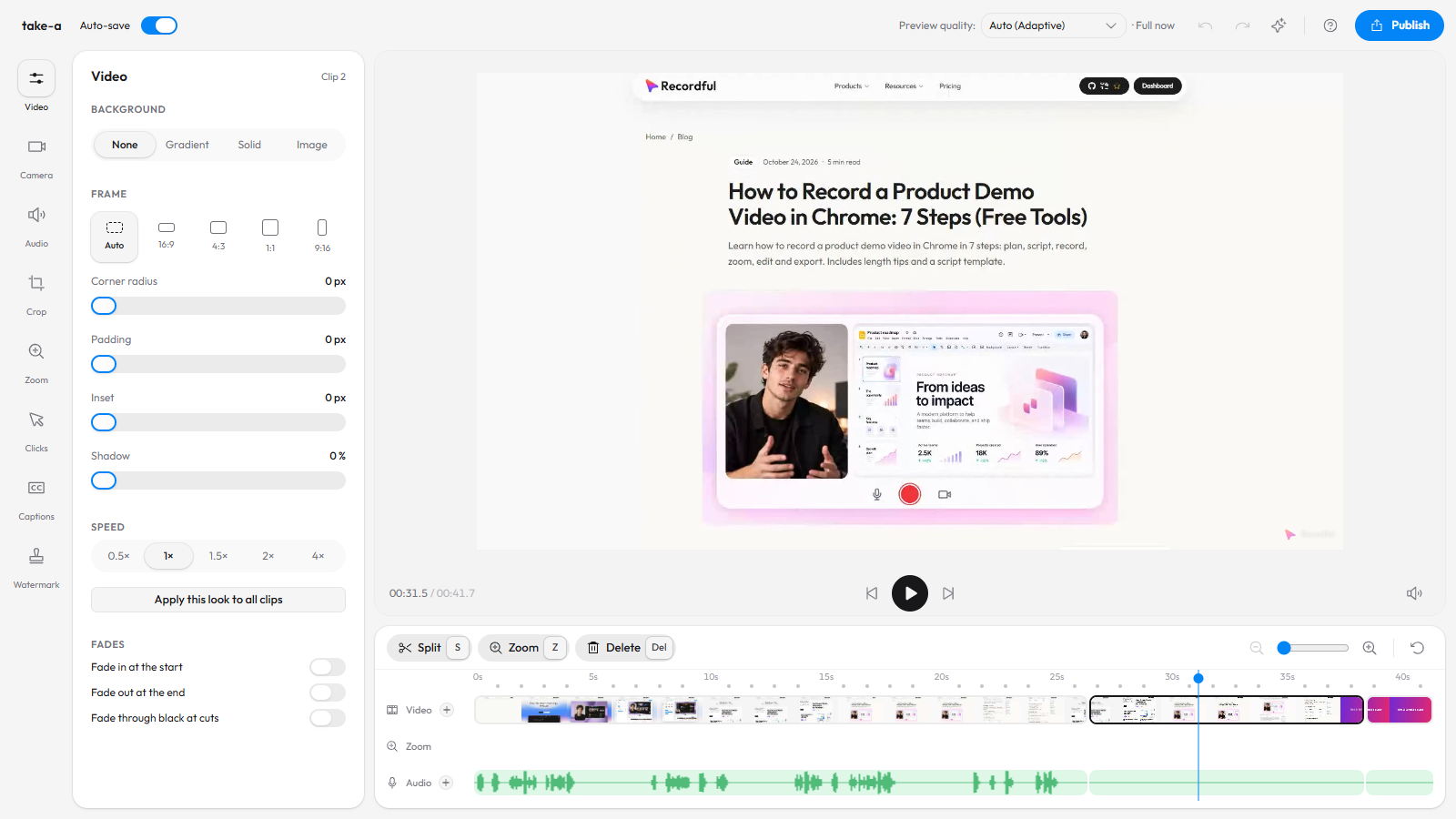
Two screen recordings and a title card, combined in Recordful's editor and exported as one MP4.
When you need to combine screen recordings
- You recorded in parts. One take per feature is easier than one perfect 10-minute take.
- You messed up halfway. Keep the good first half and record only the rest.
- You want a title card or a diagram between sections, without another app.
- You're continuing an old project. Add today's recording to last week's video.
Step 1: Open the first recording in the editor
Stop a Recordful recording and the editor opens with it. For a video made elsewhere, go to recordful.app/editor and drop the file in.
Step 2: Click + beside Video
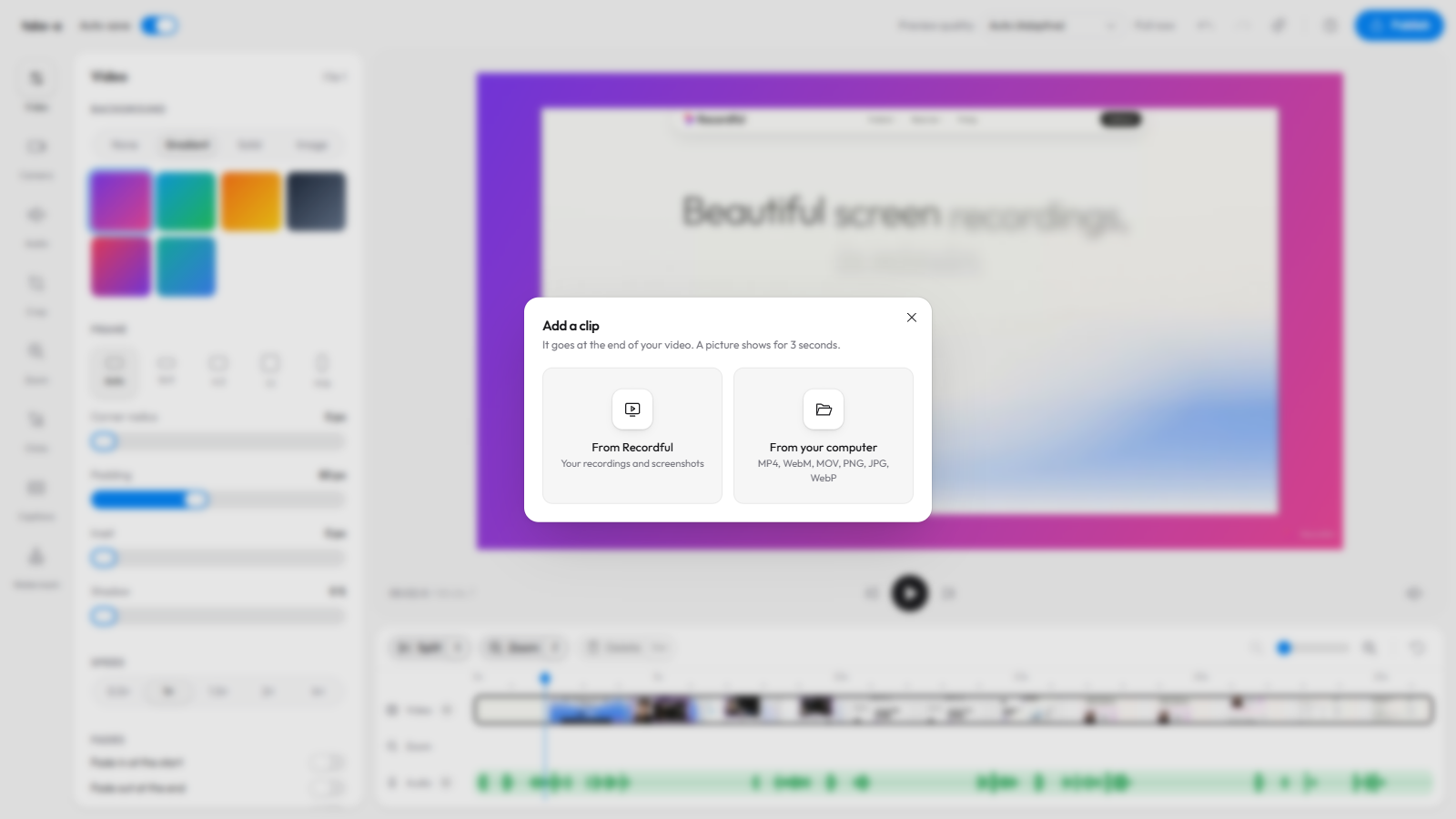
On the timeline, click the + beside Video. Two choices appear:
- From Recordful lists your recordings and screenshots, in this browser and, if you're signed in to Pro, in the cloud.
- From your computer takes MP4, WebM and MOV videos, and PNG, JPG and WebP pictures. You can pick several at once.
Step 3: Add your clips and pictures
Each clip joins the end of the video. A picture becomes 3 seconds of still image: good for a title card, a step diagram, or an end screen with your link.
Step 4: Drag clips into order
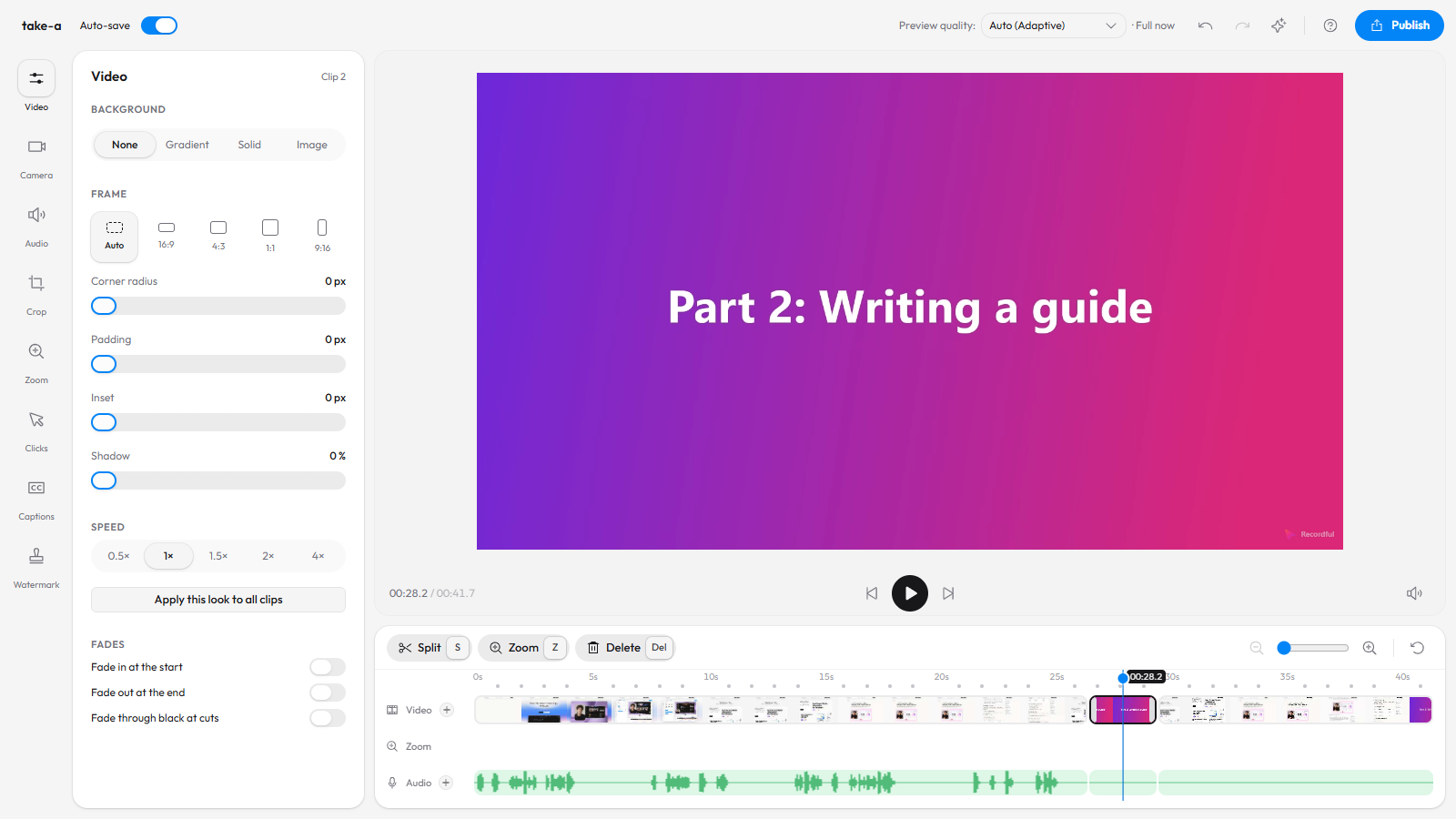
Grab a clip on the timeline and drop it before or after another. Zooms, captions, mutes and music stay with the part of the video they belong to, so reordering never breaks your edits.
Here the title card moved between the two recordings, so it introduces part 2.
Step 5: Make the clips match
Every clip keeps its own look: background, padding, corners and frame. Set up one clip the way you like, then click Apply this look to all clips in the Video panel so the whole video matches.
Step 6: Add a voiceover across the joins (optional)
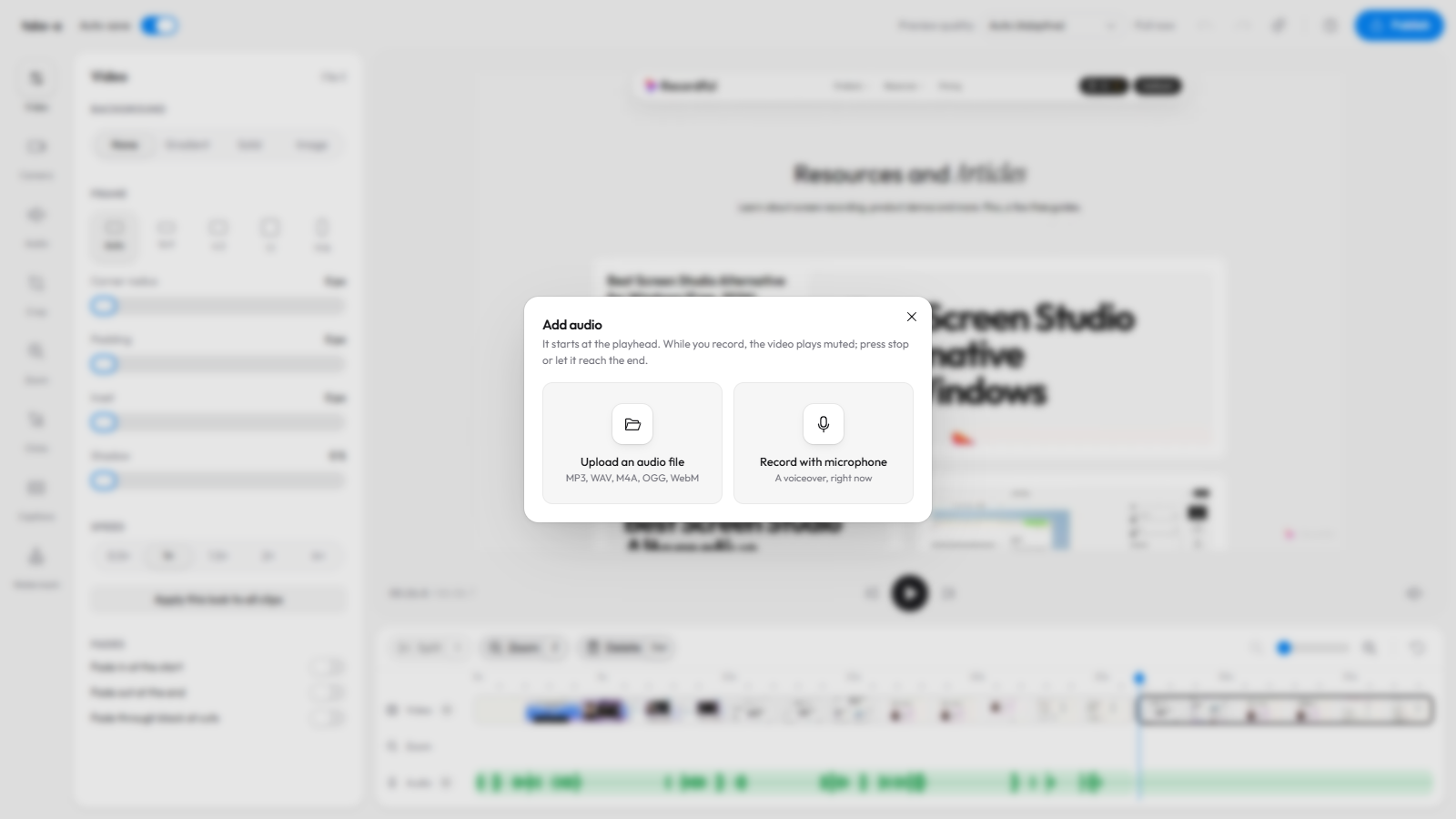
If the clips need tying together, click the + beside Audio and record narration from the playhead. See how to add a voiceover to a screen recording.
Step 7: Export one video
Click Publish → Download locally, choose MP4 or WebM and a resolution up to 4K, and render. The video is rendered on your computer, so nothing is uploaded. On Pro, Publish → Share as link gives you a watch page instead.
Combine in Recordful or in a video editor?
| Recordful editor | A general video editor | |
|---|---|---|
| Cost | Free | Free to expensive |
| Install | None (browser) or the desktop app | Usually a big download |
| Learning curve | Minutes | Hours |
| Screen recording tools | Zooms, click effects, cursor, camera layouts | Mostly manual |
| Mixed formats | MP4, WebM, MOV, PNG, JPG, WebP | Usually more |
| Transitions | Cuts, optional fade through black | Many |
If you need complex transitions or color grading, use a full editor. For joining screen recordings into a clean tutorial or demo, the Recordful editor is faster.
Frequently asked questions
How do I merge two screen recordings into one? Open the first one in Recordful's editor, click the + beside Video on the timeline, and add the second one from Recordful or from your computer. Then export one MP4.
Can I add a picture to a screen recording? Yes. Add a PNG, JPG or WebP from your computer and it joins as 3 seconds of still picture. Drag it wherever you want it.
Can I change the order of clips? Yes. Drag a clip on the timeline and drop it before or after another. Zooms, captions and music stay with their part of the video.
Is it free? Yes. Adding clips, reordering and exporting are free and need no account.
Does it upload my videos? No. The editor works in your browser and renders the export on your computer. Only Share as link (Pro) uploads.
Does the desktop app do this too? Yes. The Recordful desktop app for Mac, Windows and Linux has the same Add clip button in its timeline toolbar.
See the Recordful Editor for everything else the editor does.