By Kislay, creator of Recordful. Last updated November 20, 2026.
Short answer: Install the free Recordful Chrome extension, go to the tab, click the Recordful icon, choose to record the tab, keep Include system audio on, and click record. You get the tab's picture and its sound, plus your microphone if you pick one. Other tabs, other apps and notifications stay out of the video. It works the same on Windows, Mac, ChromeOS and Linux, needs no account, and has no time limit.
Why record a tab instead of the whole screen?
- Only the tab's sound. A tab records its own audio: the video, the web app, the course. Slack pings, music from another app and system alert sounds aren't in it.
- Nothing private slips in. Your desktop, other windows, the taskbar and pop-up notifications aren't part of a tab recording.
- It works on a Mac. Chrome on a Mac shares sound from a tab, not from the whole screen. A tab recording is how you get website audio from Chrome on macOS.
- Sharper text. The video is just the page, at the tab's size, so nothing is shrunk to fit a whole desktop.
How do I record a Chrome tab with audio?
- Open the Recordful page on the Chrome Web Store and click Add to Chrome. It also works in Edge and Brave.
- Click the puzzle icon next to the address bar and pin Recordful.
- Go to the tab you want to record and click the Recordful icon.
- Choose to record the tab.
- Keep Include system audio on. That's the tab's sound.
- Pick your microphone if you want to talk over it, and your camera if you want your face in a corner.
- Click record. If Chrome shows its sharing dialog, make sure Also share tab audio is on.
- Stop when you're done. The editor opens with your recording.
You can also start with Alt + Shift + G and pause or resume with Alt + Shift + M.
How do I record a tab with my voice too?
Pick a microphone in step 6. Your voice and the tab's sound are mixed into the recording. If your voice gets lost under a loud video, lower the tab's volume in the page before you record.
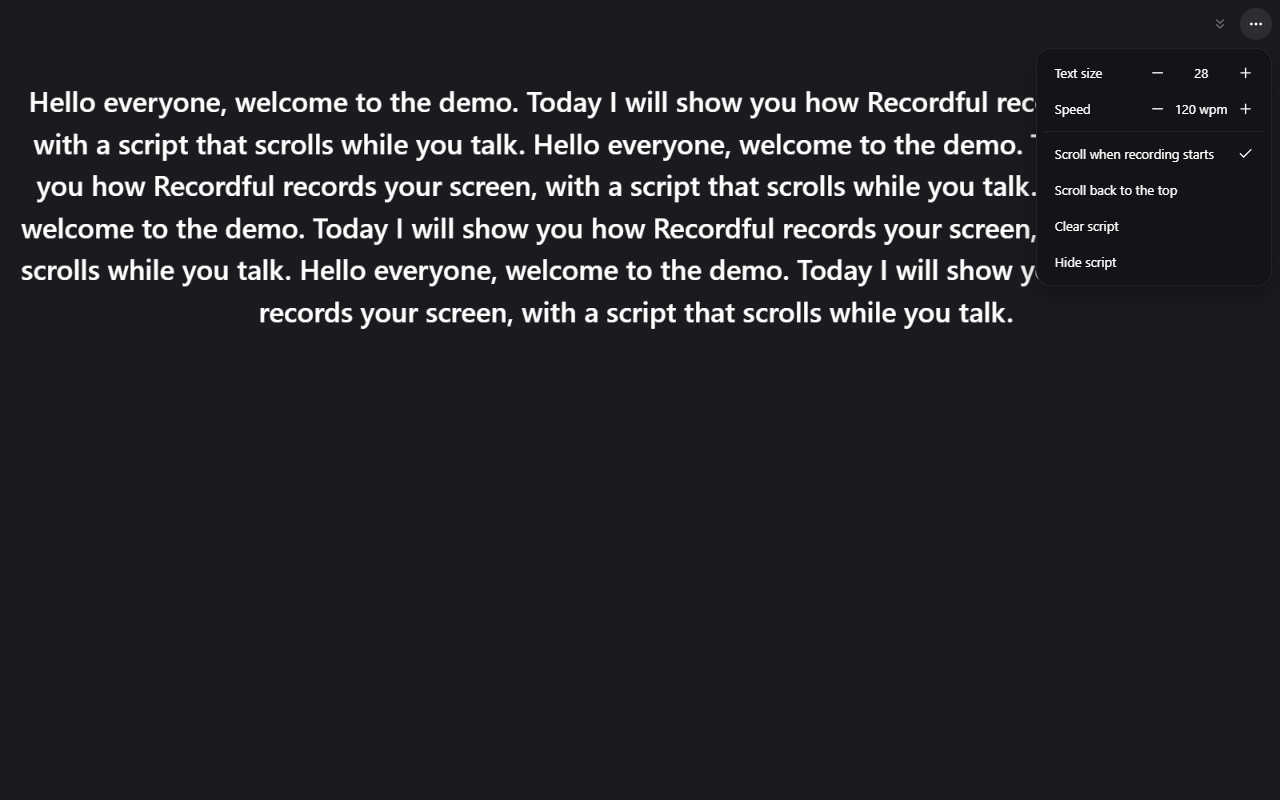
To read while you talk, Recordful's floating teleprompter scrolls your script in a window that stays out of a tab recording.
Can I record a tab with the computer's built-in recorder?
The built-in recorders capture the screen, not a tab, so they record whatever is on your screen and every sound your computer plays. Checked on November 20, 2026:
- Windows 11: Snipping Tool (Windows + Shift + R) records an area you select. Microsoft added recording of "PC audio and voice overs using a microphone" in 2023.
- Mac: the Screenshot app (Shift + Command + 5) records the screen, a window or a portion with a microphone. Apple lists Include System Audio for macOS 27 or later.
- Chromebook: Screen capture records device audio, your microphone or both. See how to screen record on a Chromebook.
These work for a quick clip. A tab recording keeps everything that isn't the tab out of both the picture and the sound.
What can I do with the recording?
The editor is free and runs in Chrome:
- Trim and cut the start, the end and the mistakes.
- Auto-zoom on clicks, so viewers see what you clicked. Add or remove zooms.
- Click effects and click sounds.
- Mute a stretch of the sound, set the volume, or add a music track.
- Backgrounds and padding around the tab, and your camera in a corner.
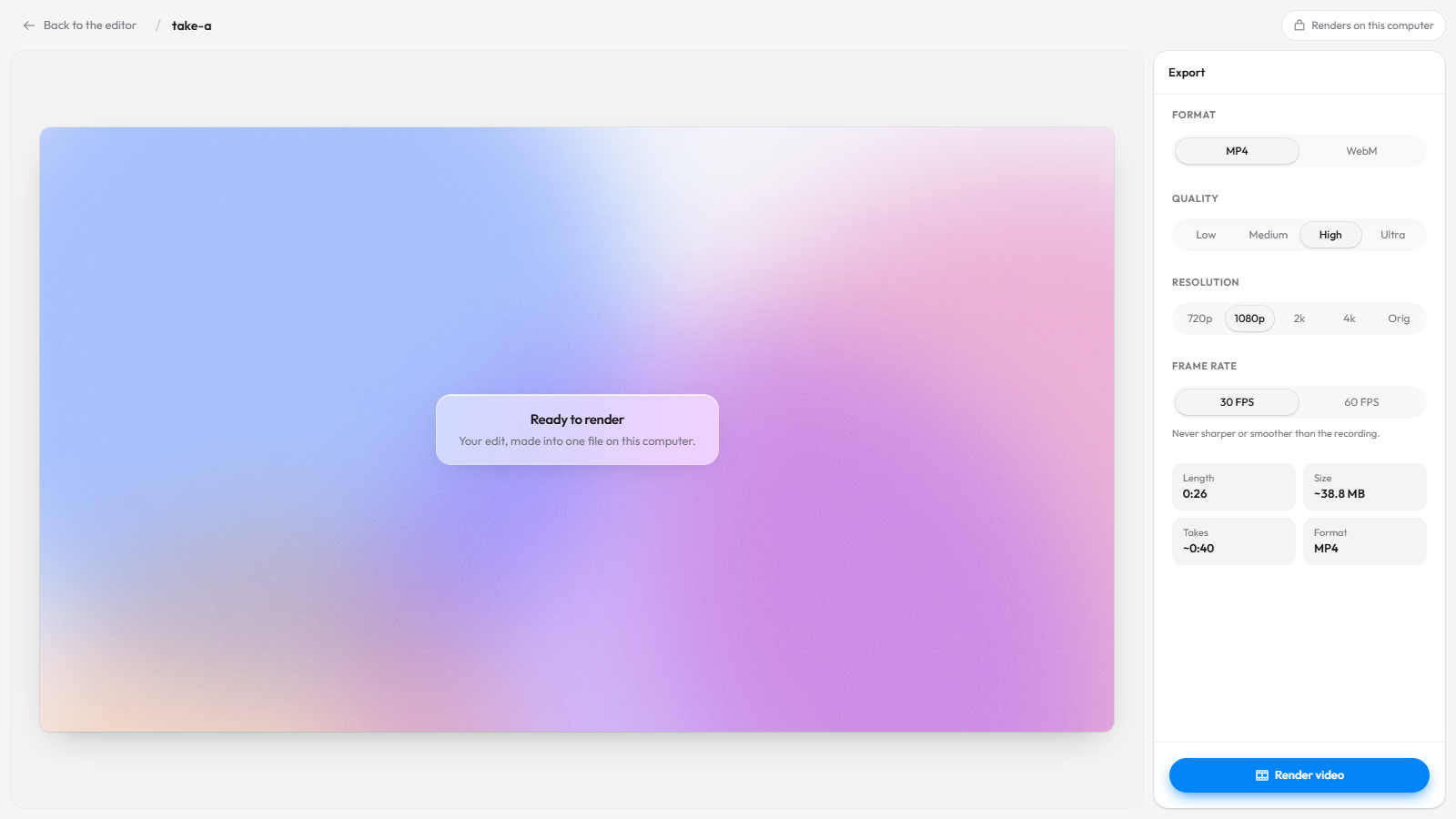
- Export an MP4 or WebM, up to 4K.
A small Recordful mark is on new recordings. Turn it off for free in the editor.
How do I share a tab recording as a link?
Turn on Instant Mode with Recordful Pro. It uploads while you record, and when you stop, the link is already copied. The watch page has a searchable transcript, captions, comments and view counts, and viewers need no account. Pro is $19 a month or $108 a year ($9 a month) for the whole workspace, with a 14-day free trial. See Instant Mode and how to share a screen recording with a link.
Frequently asked questions
How do I record a tab with sound in Chrome? Install Recordful, click its icon on the tab, choose the tab, keep Include system audio on and click record.
Why is there no sound in my tab recording? Check that Include system audio was on, and that Also share tab audio was ticked if Chrome showed its sharing dialog. Also check the tab itself isn't muted.
Can I record a tab's audio on a Mac? Yes. Record the tab with Recordful. On a Mac, Chrome shares sound from a tab, so a tab recording is the way to capture website audio from Chrome. For sound from other apps, see how to screen record on a Mac with audio.
Can I record a tab and my microphone together? Yes. Pick your microphone in the popup. Both are recorded.
Will notifications show up in a tab recording? No. Only the tab's picture and sound are recorded, so pop-ups and sounds from other apps stay out.
Is there a time limit? No. Recordings saved on your computer have no time limit.
Do I need an account? No. Recording, editing and exporting are free with no account. Share links need Recordful Pro.
More: how to record a product demo video and how to record your screen and webcam.
See Recordful Screen Recorder and the editor.