By Kislay, creator of Recordful. Last updated November 25, 2026.
Short answer: In Recordful, a transcript is one click away wherever the video is. On a shared recording's page, click Generate transcription and viewers get a searchable transcript where each line jumps to its moment. In the editor, click Transcript and delete words to cut them from the video. In Captions, generate timed captions in 10 languages and download a .vtt file. And Claude or another AI app can read the transcript for you. Transcripts are part of Recordful Pro, $19 a month or $108 a year for the whole workspace.
Why get a transcript of a screen recording?
- Search. Find the moment someone said "pricing" without watching 20 minutes.
- Skimming. Many people read faster than they watch.
- Captions for viewers with the sound off or who are hard of hearing.
- Reuse. Turn a walkthrough into docs, a help article, release notes or an email.
- Editing. Cut a video by deleting the words you don't want.
- AI. Summaries, chapters and questions about the video all start from the transcript.
Way 1: A searchable transcript on the share page
Best when other people will watch the video.
- Record with Recordful and share it as a link, or upload a video you already have.
- Open the recording's watch page.
- Click Generate transcription in the Transcript tab beside the player.
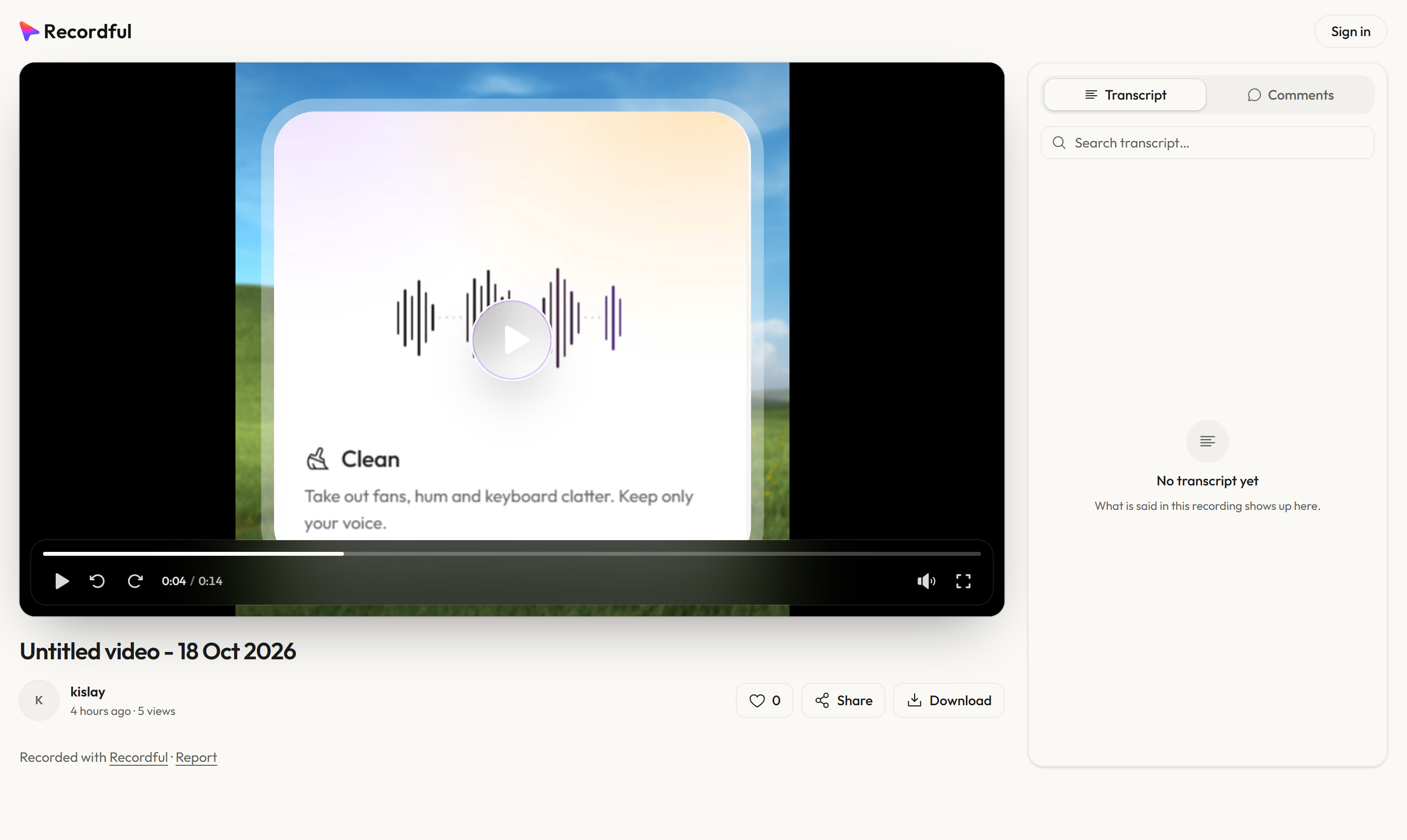
Every line has its time. Click a line to jump there, and the line being spoken stays highlighted as the video plays. Type in Search transcript to find a word. Captions come from the same transcript, and viewers turn them on with CC.
The transcript also feeds the AI summary and chapters in the Summary tab, which you can edit or write yourself. See how to share a screen recording with a link.
Way 2: The transcript in the editor
Best when you want to edit the video by its words.
- Open the recording in the editor. For a video from another tool, go to recordful.app/editor and drop in an MP4, WebM or MOV.
- Click Transcript at the top of the editor, next to Agent.
- The first time, click Make transcript.
Everything you said appears beside the preview. Click a word to play from it. Select words and press Delete to cut them from the video: Recordful cuts in the quiet between words, so nothing sounds clipped. Click a struck-through word to bring it back.
Type a phrase in Find words and click Remove all to cut every place you said it, like each "you know". The Filler words switch in Audio cuts ums and uhs the same way. See how to remove filler words from a screen recording.
Your original recording never changes. Every cut is part of the edit.
Way 3: Captions and a .vtt file
Best when you need a transcript file, or captions burned into the video.
- In the editor, open Captions.
- Pick the language, or leave it on Detect.
- Click Generate captions.
You get timed caption lines you can fix by hand. Style them with size, font, colour, a background or an outline, and a colour for the word being spoken. They're in the video you export.
To get the transcript as a file, click Caption file (.vtt). It's timed to the video as you edited it, so cuts are already taken out. WebVTT is a plain text format that YouTube, most course platforms and video players accept.
Captions work in 10 languages:
| English | Hindi | Spanish |
| French | German | Portuguese |
| Italian | Dutch | Japanese |
| Russian |
Way 4: Ask Claude or another AI app
Best when you want answers from your videos, not the text itself.
Recordful has a hosted MCP connector. Add https://recordful.app/mcp as a connector in Claude or ChatGPT, or in any app that takes a remote MCP server, and sign in. Then ask:
- "What did I say about pricing in last week's demo?"
- "Write a help article from the transcript of the onboarding video."
- "Summarize my latest video and list its chapters."
Reading works on every plan; with Pro the same connector can also edit the video, for example cut what you said wrong. You approve reading and editing separately, and can remove an app any time in Settings → Connected AI apps. Coding apps such as Claude Code and Cursor can also fetch a transcript through Recordful's local MCP server.
Which way should you use?
| You want to… | Use |
|---|---|
| Let viewers search and jump through a video | The share page transcript |
| Cut the video by deleting words | The editor's Transcript |
| Upload captions to YouTube or a course platform | Captions → Caption file (.vtt) |
| Show captions in the video itself | Captions, then export |
| Ask questions about your videos in an AI app | The hosted MCP connector |
Is my audio kept?
Only the sound is sent to be transcribed, and it's deleted once it's been heard. The transcript is kept with the recording, so it is there the next time you open it.
Frequently asked questions
How do I get a transcript of a screen recording? In Recordful, open the recording's share page and click Generate transcription, or open the editor and click Transcript, then Make transcript. Both are part of Recordful Pro.
Can I download the transcript of a screen recording? Yes. In the editor's Captions panel, generate captions and click Caption file (.vtt). The file is timed to your edited video.
Can I get a transcript of a video I didn't record with Recordful? Yes. Drop an MP4, WebM or MOV into recordful.app/editor, then use Transcript or Captions. You can also upload it to get a share page with a transcript.
Which languages can Recordful transcribe? Captions work in English, Hindi, Spanish, French, German, Portuguese, Italian, Dutch, Japanese and Russian, or you can let Recordful detect the language.
Can I edit a video by editing its transcript? Yes. In the editor's Transcript, select words and press Delete to cut them, or use Find words and Remove all to cut a phrase everywhere. Click a word to bring it back.
Can AI read my screen recording's transcript? Yes. Add recordful.app/mcp as a connector in Claude or another app that supports remote MCP servers, and ask questions about your videos. Reading works on every plan.