

By Kislay, creator of Recordful. Last updated November 12, 2026.
Short answer: Zight, formerly CloudApp, has a free Share plan that stops recordings at 5 minutes, records up to 720p, gives you 1 GB of storage and shows only your last 50 captures. Paid plans are priced per user: Create is $9.95 and Collaborate is $12 per user a month billed annually. Recordful is a free alternative with no time limit, no cap on videos, no account and export up to 4K. For share links, Recordful Pro is $19 a month or $108 a year for the whole workspace.
Is Zight free?
Zight has a free plan called Share. From Zight's pricing page on November 12, 2026:
| Zight Share (free) | Limit |
|---|---|
| Recording length | 5 minutes |
| Recording quality | Up to 720p |
| Storage | 1 GB |
| Capture history | Last 50 captures |
| Users | 1 |
| GIF length | 15 seconds |
| Trim | Desktop only |
| Support | Knowledge base |
Video expiration, automatic transcription, AI features, redaction, annotations, analytics and custom branding are not part of the free plan.
How much does Zight cost per user in 2026?
From Zight's pricing page on November 12, 2026:
| Zight plan | Billed annually | Billed monthly | Who it's for |
|---|---|---|---|
| Share | Free | Free | 1 user |
| Create | $9.95 per user a month | $12.95 per user a month | 2 users included |
| Collaborate | $12 per user a month | $15 per user a month | Up to 100 users |
| Scale | Talk to sales | Talk to sales | Organizations |
Create and Collaborate lift the time limit and record up to 4K. Zight says annual billing saves 20% compared with paying monthly.
Because Collaborate is priced per user, the bill grows with the team:
| Team size | Zight Collaborate (annual) | Zight Collaborate (monthly) | Recordful Pro (yearly) |
|---|---|---|---|
| 2 people | $288 a year | $360 a year | $108 a year |
| 5 people | $720 a year | $900 a year | $108 a year |
| 10 people | $1,440 a year | $1,800 a year | $108 a year |
| 25 people | $3,600 a year | $4,500 a year | $108 a year |
Zight prices from zight.com/pricing on November 12, 2026. Recordful Pro is one price for the workspace, however many people you invite.
What is a free alternative to Zight?
Recordful. It runs as a Chrome extension (also Edge and Brave) and as a desktop app for macOS, Windows and Linux. Free, with no account in the extension (the desktop app asks for a free one):
- No time limit and no cap on videos.
- Export up to 4K as MP4, WebM or GIF. Your recordings are saved on your computer, so there is no 1 GB limit and no "last 50" history.
- Tab, area, window, full screen or camera only.
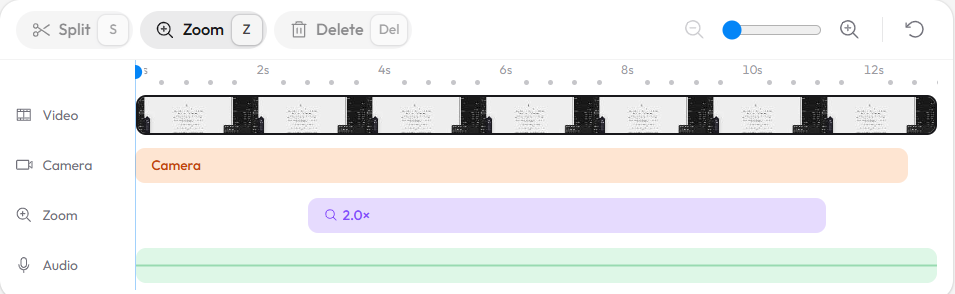
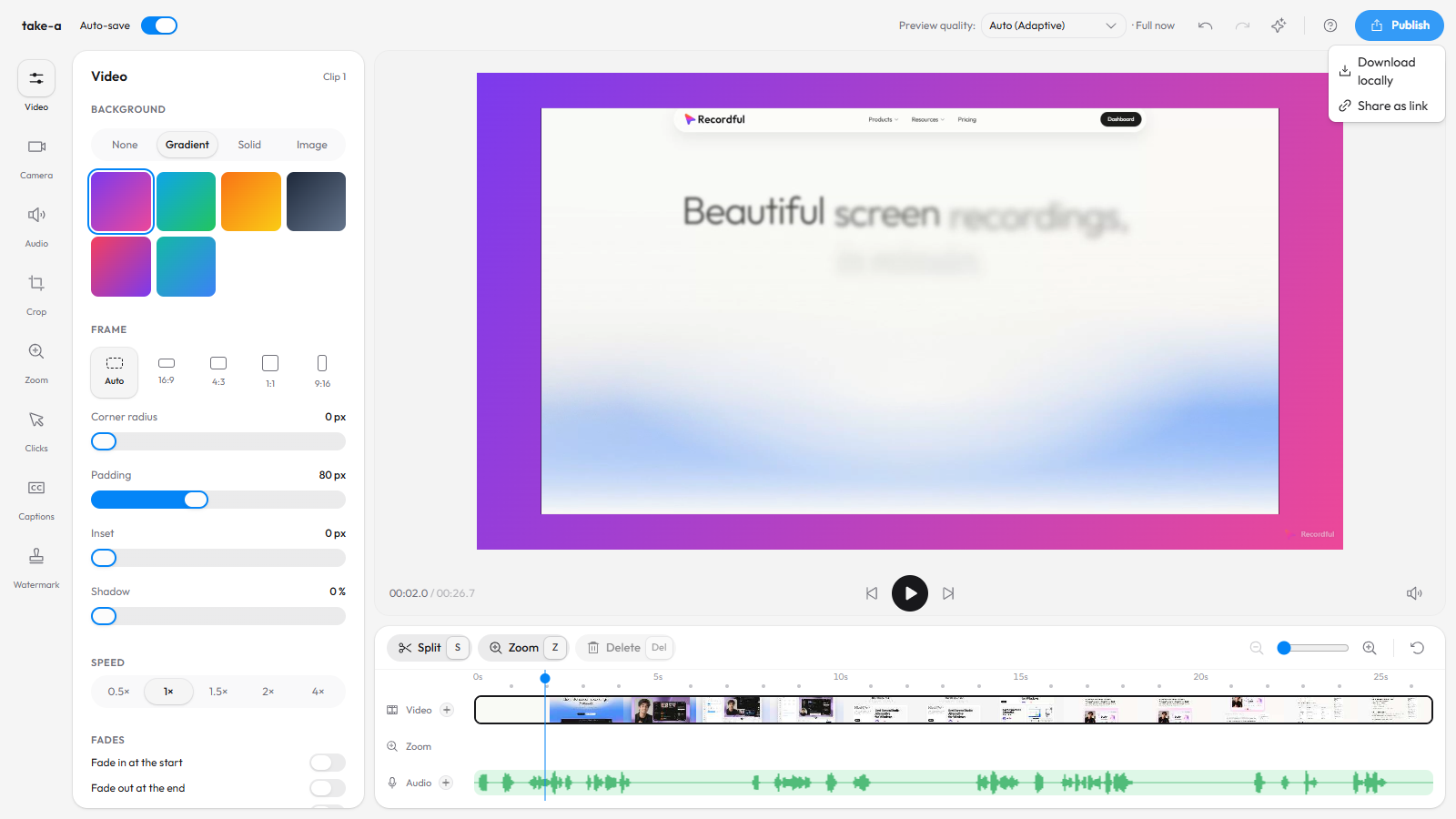
- A full editor in both the extension and the desktop app: trim, cut, speed, auto-zoom on clicks, click effects and sounds, backgrounds, camera layouts, voiceover and Recordful Motion titles, callouts, blur and spotlight masks.
- Screenshots of an area, the visible page, the full page or the screen, with an editor.
- A teleprompter, plus drawing and blur while you record.
- Your own watermark. A small Recordful mark is on by default; turn off the Recordful mark for free, or use your own logo.
The Chrome extension is open source under GPLv3.
Zight Share vs Recordful Free
From Zight's pricing page on November 12, 2026, and Recordful's own plans:
| Zight Share (free) | Recordful Free | |
|---|---|---|
| Price | $0 | $0 |
| Account needed | Yes | No |
| Recording length | 5 minutes | No limit |
| Quality | Up to 720p | Export up to 4K |
| Storage | 1 GB | Saved on your computer |
| Capture history | Last 50 captures | All your recordings |
| Trim | Desktop only | Extension and desktop app |
| Auto-zoom, click effects, motion titles | Not listed | Included |
| Blur | Blur and redact on paid plans | Blur while recording and blur masks in the editor |
What does Recordful Pro add for teams?
Recordful Pro is $19 a month, or $108 a year ($9 a month), for the whole workspace. There's a 14-day free trial. Pro adds:
- Share links to a watch page with a searchable transcript, captions, comments, likes, an AI summary and chapters
- Instant Mode: uploads while you record and copies the link when you stop
- View analytics on each video
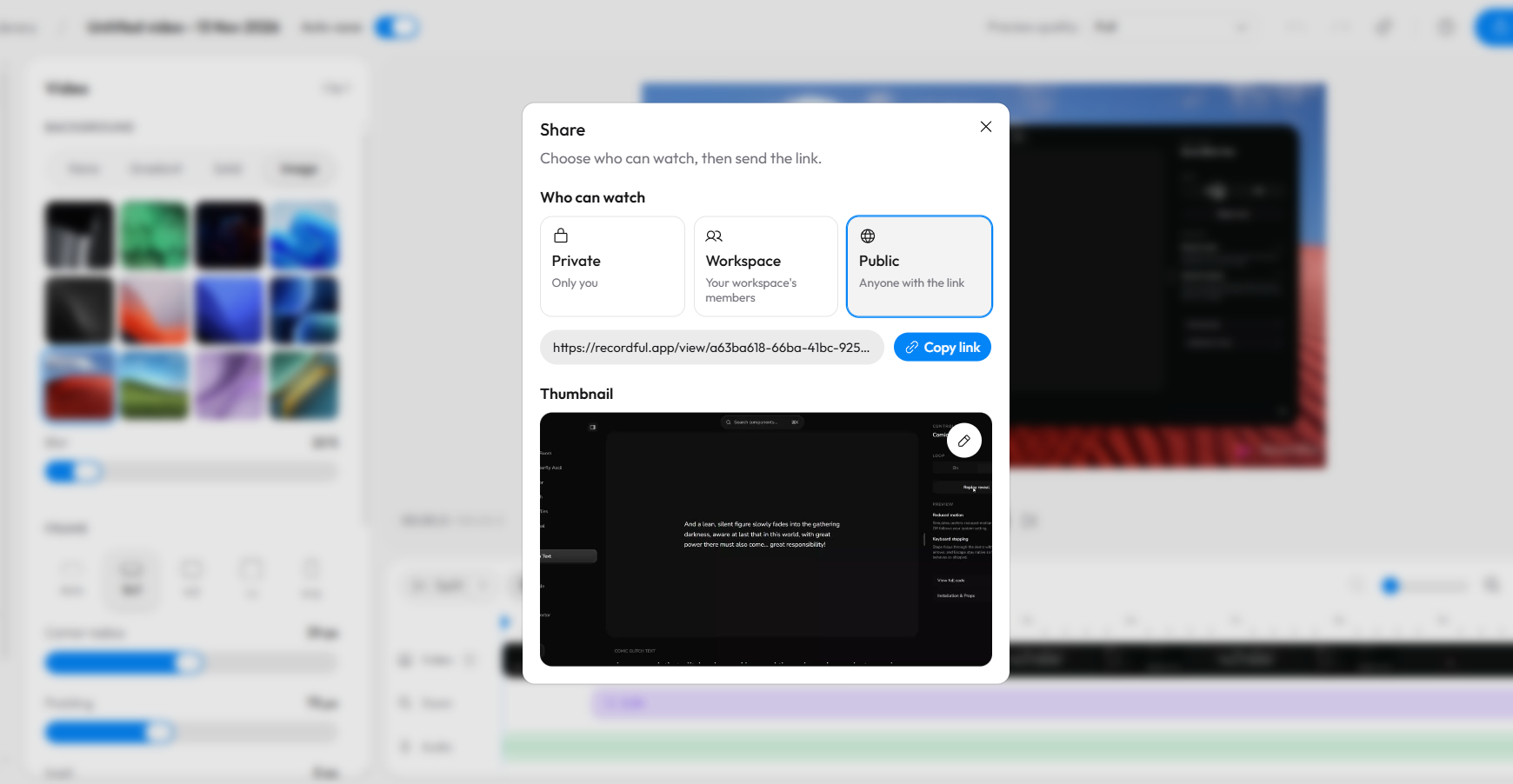
- Privacy: only you, your workspace or anyone with the link, plus a password and an expiry date
- 50 GB of storage for the workspace
- Audio cleanup: noise, echo, mouth sounds, breaths, filler words and long pauses
- Captions in 10 languages
- 3D zoom perspective
- The Recordful Agent, which edits your video from a chat, with 4,500 credits per workspace
How to switch from Zight to Recordful
- Download the Zight recordings you want to keep. On the free plan, Zight shows only your last 50 captures.
- Install Recordful from the Chrome Web Store, or download the desktop app.
- Record your screen and camera. No account is needed, and there is no time limit.
- Edit in Recordful's editor: trim, add zooms and click effects.
- Export as MP4, WebM or GIF, up to 4K.
- For share links, sign in, start the 14-day Pro trial and invite your team. The price stays $19 a month for the whole workspace.
Frequently asked questions
Is Zight free? Zight has a free Share plan. From Zight's pricing page on November 12, 2026, it records up to 5 minutes at up to 720p, with 1 GB of storage and access to your last 50 captures.
How much does Zight cost per user? From Zight's pricing page on November 12, 2026: Create is $9.95 per user a month and Collaborate is $12 per user a month, billed annually. Paid monthly, they are $12.95 and $15. Scale is priced by sales.
Is Zight the same as CloudApp? Yes. Zight is the new name for CloudApp.
What is the best free Zight alternative? Recordful's free plan has no time limit, no cap on videos and no account, with an editor and export up to 4K. Recordings are saved on your computer.
What is a cheaper Zight alternative for teams? Recordful Pro is $19 a month or $108 a year for the whole workspace. A team of 10 on Zight Collaborate pays $1,440 a year billed annually.
Does Recordful take screenshots like Zight? Yes. Recordful captures an area, the visible page, the full page or the screen, and opens the shot in an editor. It's free.
Can I make GIFs with Recordful? Yes. Recordful exports any recording as a GIF, as well as MP4 or WebM.
More reading: Recordful vs Loom, Vidyard free plan alternative, Loom pricing for teams, share a screen recording with a link. Features: Screen Recorder, Screenshots, the editor, Instant Mode.