By Kislay, creator of Recordful. Last updated November 23, 2026.
Short answer: The best free screen recorder for Linux is Recordful. It records your screen or a window with no time limit, then opens an editor with auto-zoom on clicks, backgrounds and camera layouts, and exports MP4 up to 4K for free. It comes as a Linux AppImage for Ubuntu, Fedora, Arch Linux, Linux Mint and Pop!_OS (it asks for a free account), and as a Chrome extension that records tabs too and needs no account. GNOME and KDE Plasma also have screen recording built in, and OBS Studio, SimpleScreenRecorder and Kooha are free, open source recorders.
I built Recordful. Every fact about the other tools below comes from that project's own website, checked on November 23, 2026.
What are the free screen recorders for Linux?
| Recordful | GNOME screencast | KDE Spectacle | OBS Studio | SimpleScreenRecorder | Kooha | |
|---|---|---|---|---|---|---|
| Price | Free | Built in | Built in | Free, open source | Free, GPL | Free, GPL-3.0 |
| Start | App, extension | Shift+Ctrl+Alt+R | Meta+Alt+R (screen) | Build a scene, then record | Qt app | GTK app |
| Saved to | Exported where you choose | Videos/Screencasts | ~/Videos/Screencasts | Not stated | Not stated | A folder you set |
| Editor with auto-zoom on clicks | Yes, free | Not on GNOME's help page | Not in KDE's announcement | Not listed on obsproject.com | Not listed on its site | Not listed in its README |
Sources: GNOME Help "Screenshots and screencasts", KDE's Plasma 6 announcement, obsproject.com, maartenbaert.be/simplescreenrecorder and github.com/SeaDve/Kooha, all on November 23, 2026.
1. Recordful: the best free screen recorder for Linux
Recordful records and edits on your Linux machine. Recording, editing and export are free, with no time limit and no cap on how many videos you make. Nothing is uploaded unless you choose to share a link.
Two ways to use it, and you can use both:
- The desktop app: one 64-bit AppImage for Ubuntu, Fedora, Arch Linux, Linux Mint and Pop!_OS. Record any display or window, with your camera and microphone. It asks for a free account the first time.
- The Chrome extension: for Google Chrome 110 or newer, Brave and Edge on Linux. Record a tab, an area, a window, the whole screen or just your camera, with no account.
The editor opens the moment you stop:
- Trim and cut the parts you don't want.
- Auto-zoom on clicks: the video zooms in where you clicked. Add your own zooms or remove any.
- Backgrounds and padding with rounded corners and a shadow.
- Camera layouts: move, resize and reshape your webcam.
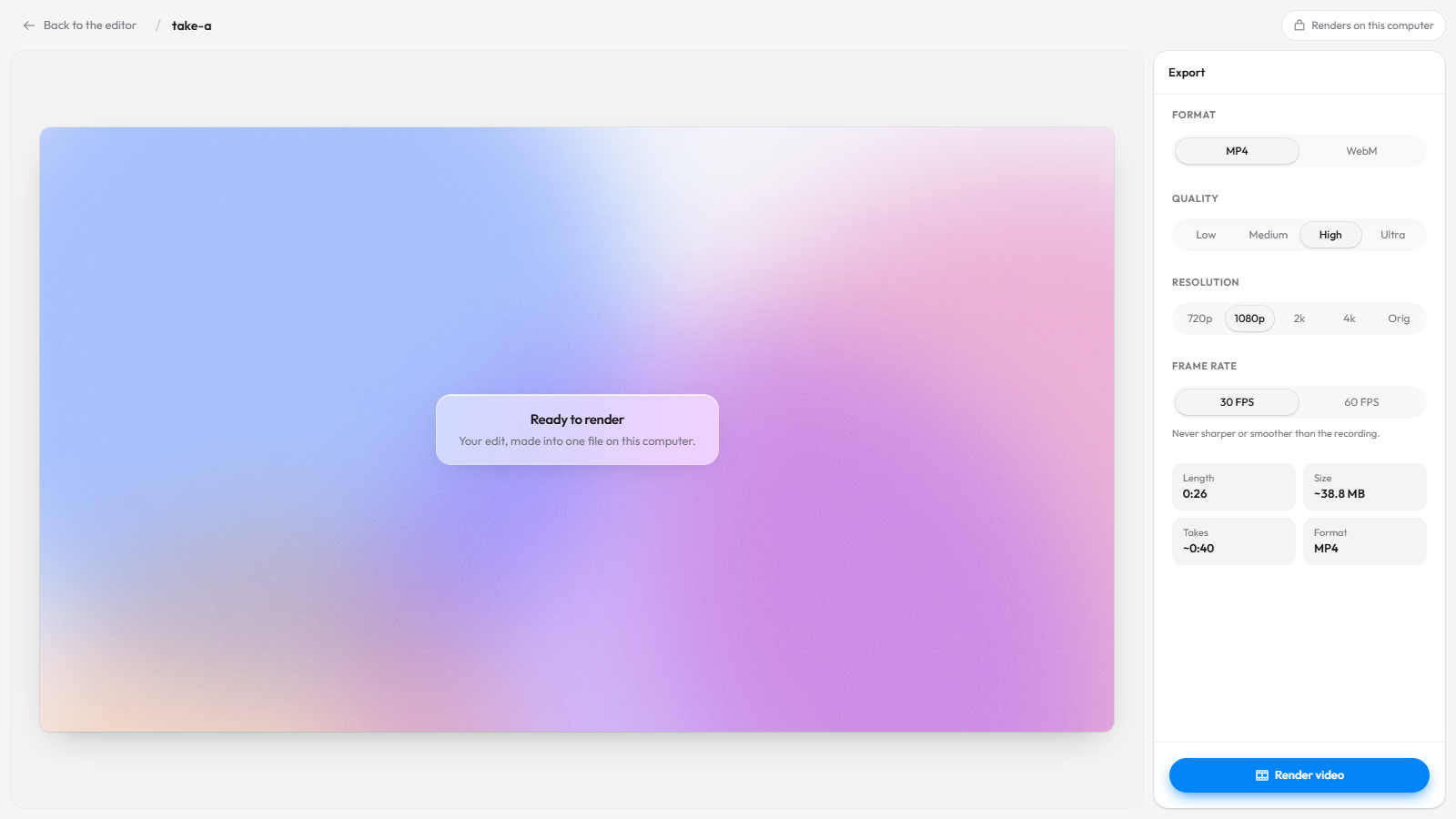
- Export as MP4 or WebM, up to 4K, made on your computer.
A small Recordful mark is on new recordings. You can turn off the Recordful mark for free in the editor.
On Wayland: the extension's window and entire-screen recordings go through your desktop's own screen-sharing dialog, and tab and area recordings place zooms exactly. The desktop app finds your clicks through X11, so pick the "X11" or "Xorg" session on your login screen for auto-zoom.
Recordful Pro adds share links with a watch page, a clickable transcript and captions in 10 languages, plus Instant Mode, which uploads while you record and copies the link when you stop. Pro is $19 a month, or $108 a year ($9 a month), with a 14-day free trial. One price covers your whole workspace.
2. GNOME's built-in screencast
From GNOME Help's "Screenshots and screencasts" on November 23, 2026:
- Press Print (or the screenshot button in the system menu), then click the video camera icon to switch to screencast mode. Shift+Ctrl+Alt+R starts a screencast directly.
- A red indicator in the top bar shows the seconds recorded. Click it to stop.
- Screencasts are saved in Videos/Screencasts, with a name that starts with "Screencast" and includes the date and time.
3. KDE Spectacle
Spectacle is "KDE's screenshot utility", and it records too. From KDE's Plasma 6 announcement, checked on November 23, 2026:
- Record a region (Meta+R or Meta+Shift+R), a screen (Meta+Alt+R) or a window (Meta+Ctrl+R).
- A system tray icon shows while recording. Click it to finish.
- Screencasts go to ~/Videos/Screencasts. Recordings can use VP9 and have quality settings.
4. OBS Studio
From obsproject.com on November 23, 2026, OBS Studio is "Free and open source software for video recording and live streaming," for Windows, macOS and Linux. You build scenes from sources like window captures, webcams, images and text, with an audio mixer and hotkeys. For a recording you can send in minutes, see the easy OBS alternative.
5. SimpleScreenRecorder
From its official page, maartenbaert.be/simplescreenrecorder, on November 23, 2026: a Qt program that records "the entire screen or part of it", or OpenGL applications directly, with pause and resume, live statistics and encoding through libav/ffmpeg. It's licensed under the GNU GPL. The page warns that simplescreenrecorder.com is a fake site and that its own page is the only official one.
6. Kooha
From github.com/SeaDve/Kooha on November 23, 2026, Kooha is "a simple screen recorder with a minimal interface." It saves WebM, MP4, GIF and Matroska, can "Record microphone, desktop audio, or both at the same time", and records a monitor or a part of the screen. It needs PipeWire and xdg-desktop-portal, installs from Flathub, and is GPL-3.0.
How do I pick a screen recorder for Linux?
| You want to | Use |
|---|---|
| Zoom in on clicks automatically | Recordful |
| Add a background and camera layout | Recordful |
| Record one Chrome tab only | Recordful extension |
| Export MP4 up to 4K after editing | Recordful |
| Record with no account | Recordful extension |
| Share a link with a transcript | Recordful Pro |
How to install Recordful on Linux
- Go to the download page. It picks the Linux AppImage for you.
- Install FUSE 2 if your distribution leaves it out:
| Distribution | Command |
|---|---|
| Ubuntu 24.04 and newer, Linux Mint 22, Pop!_OS 24.04 | sudo apt install libfuse2t64 |
| Ubuntu 22.04, Linux Mint 21, Pop!_OS 22.04 | sudo apt install libfuse2 |
| Fedora | sudo dnf install fuse-libs |
| Arch Linux | sudo pacman -S fuse2 |
- Make the file executable and run it:
chmod +x Recordful-linux-x64.AppImage
./Recordful-linux-x64.AppImage
- Sign in with a free account, pick a display or window, and record.
- Prefer no install and no account? Add the Recordful extension to Chrome instead.
Frequently asked questions
What is the best free screen recorder for Linux? Recordful. It records with no time limit, and its free editor adds auto-zoom on clicks, backgrounds and camera layouts before you export an MP4 up to 4K.
Does Ubuntu have a built-in screen recorder? GNOME, Ubuntu's default desktop, has one. Press Shift+Ctrl+Alt+R, or press Print and switch to screencast mode. Recordings go to Videos/Screencasts.
Does KDE Plasma have a screen recorder? Yes, Spectacle records. Meta+Alt+R records a screen and Meta+R a region, and recordings go to ~/Videos/Screencasts.
Which Linux distributions does Recordful support? The AppImage is built for 64-bit Ubuntu, Fedora, Arch Linux, Linux Mint and Pop!_OS. The Chrome extension works on any distribution that runs Chrome 110 or newer.
Why won't the Recordful AppImage open? It usually needs FUSE 2. Install libfuse2t64 (Ubuntu 24.04+), libfuse2 (Ubuntu 22.04), fuse-libs (Fedora) or fuse2 (Arch), then run it again.
Does Recordful work on Wayland? Yes. The extension uses your desktop's screen-sharing dialog for windows and screens. For auto-zoom in the desktop app, use an X11 session.
Do I need an account to use Recordful on Linux? Not with the Chrome extension. The desktop app asks for a free account.
Is Recordful open source? The Chrome extension is open source under GPLv3, on GitHub.
Best screen recorders for other systems: Mac, Windows and Chromebook. More for Linux: Loom alternative for Linux and Screen Studio alternative for Linux.
See Recordful Screen Recorder, the editor and the download page.